QR codes have reshaped how hospitality venues share their menus, but the smartest operators are not choosing between print and digital. They are using both together. A well-designed printed menu carrying a QR code gives guests an immediate tactile reference while pointing them to a digital version that can be updated instantly, any day of the week, without touching the printer.
This guide covers the hybrid print-plus-digital menu strategy for cafes, restaurants, bars, and hotels across Australia: how to set it up, which print formats and stocks hold up in a hospitality environment, how to design a QR code that actually scans, and how to keep your digital menu current without a reprint every time you run out of the barramundi.
At a glance
QR code menu printing for hospitality
Printed menus with QR codes give guests an immediate reference point while keeping your digital menu updateable any time.
- Print sizes: DL (99x210mm), A5, A4, and A3 all work for hybrid QR menus – DL suits table talkers and drinks lists, A4 suits full dining menus
- Stock: 300gsm Matte with laminate upgrade gives the best wipe-resistance for table handling; 170gsm Silk suits lower-traffic counters
- QR minimum print size: 25mm x 25mm with a quiet zone of at least 4 modules on every side
- Dynamic QR codes let you update the linked page without reprinting the physical menu
- QR-only menus exclude older guests and those with poor signal or older phones – always keep a printed fallback or full-text version
- Flat-rate shipping Australia-wide; most orders printed in 24-48 hours after proof approval
Why print still belongs on every table
Since 2020, many Australian hospitality venues swapped physical menus entirely for QR codes. The reasoning made sense at the time. Contactless was a priority, and a QR code on a table tent costs almost nothing to swap out when the menu changes.
But the feedback from guests has been mixed. Research into hospitality consumer behaviour consistently shows that older diners, those with vision impairments, and guests in low-signal environments find QR-only menus frustrating. A smartphone with a cracked screen, a dining companion without mobile data, or a table near a concrete wall can turn a simple menu scan into an ordeal. Staff end up emailing the PDF or reading items aloud, which defeats the efficiency argument.
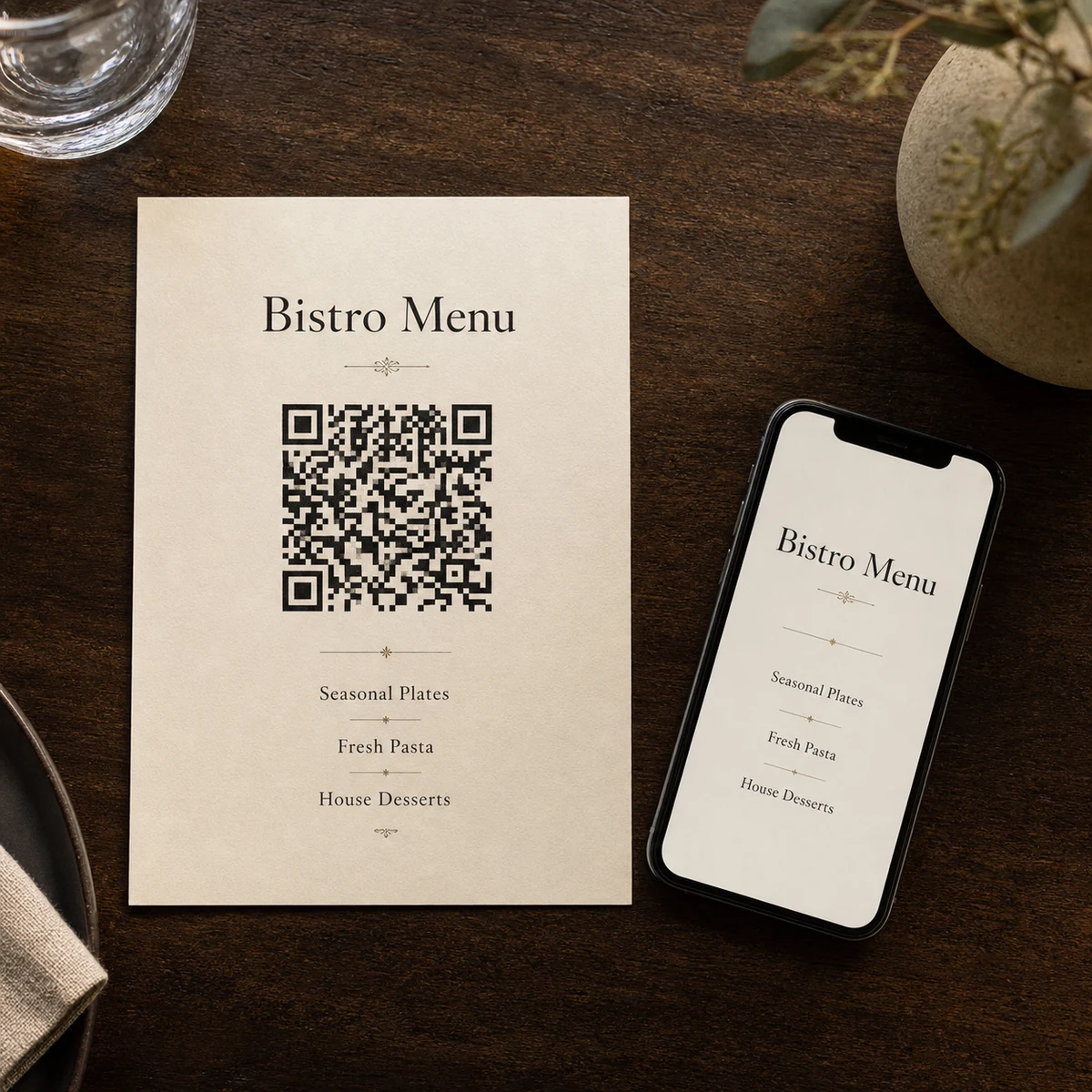
The hybrid approach solves this cleanly. A laminated printed menu with a QR code in the corner gives every guest something to hold and read immediately. Those who want to see the full drinks list, the day’s specials, or an allergen breakdown can scan the code and access the live digital version. Nobody is excluded, and nobody is waiting.
This model also makes commercial sense over time. Print a core menu once on durable stock, update your digital menu platform as often as you like, and reprint only when your core offering genuinely changes.
Choosing the right format for your venue
The format of your printed menu should match both how guests use it and where it lives.
DL menus (99 x 210mm) for table talkers and drinks lists
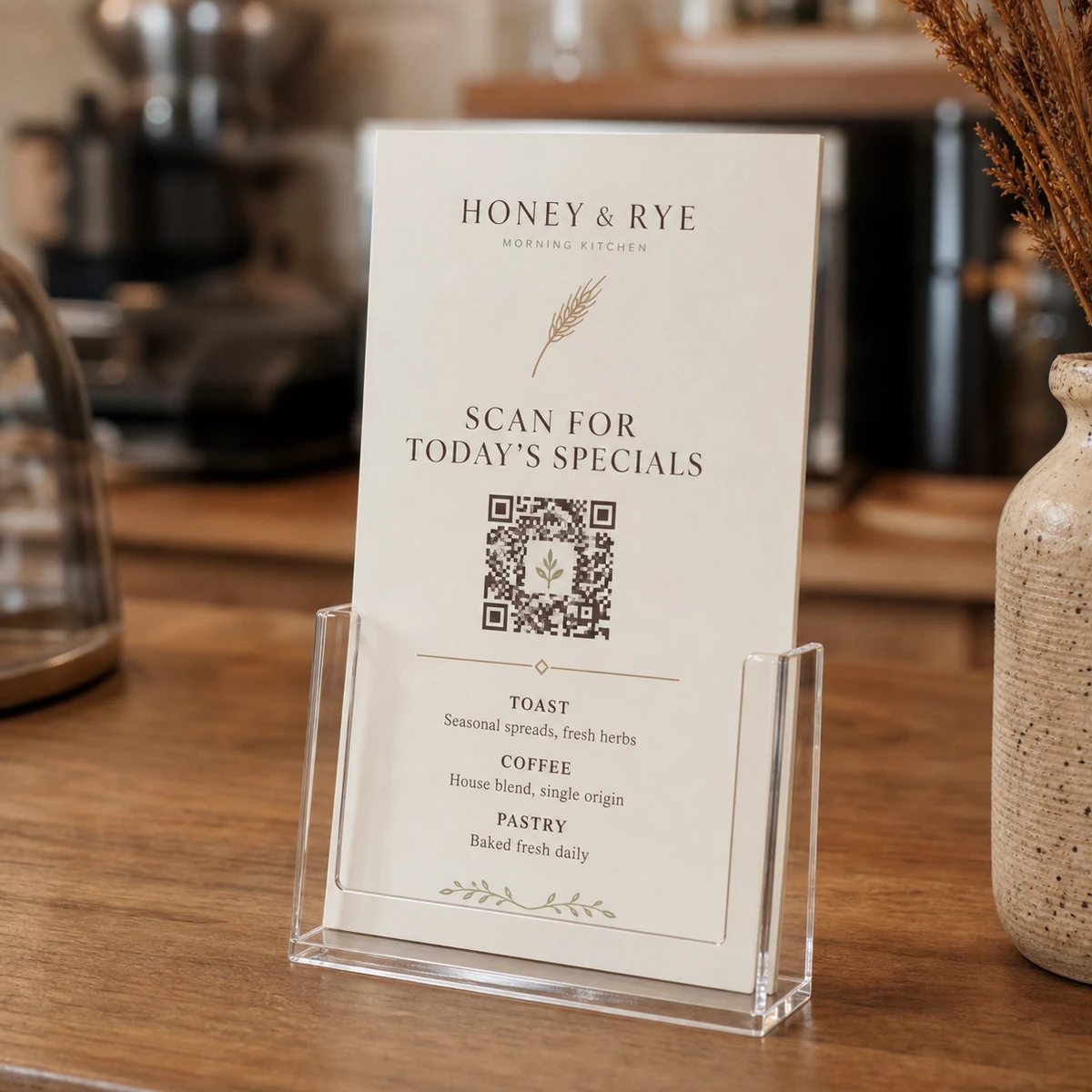
The DL size (99 x 210mm) is the workhorse of the hospitality world. It fits a standard DL envelope, stands upright in a counter holder, and lies flat on a table without dominating the setting. For venues that want a short printed drinks list or a specials board with a QR code pointing to the full online menu, DL is the right choice. It is compact enough for a busy bar top and large enough to print a QR code at a comfortably scannable size.
A5 menus (148 x 210mm) for compact dining
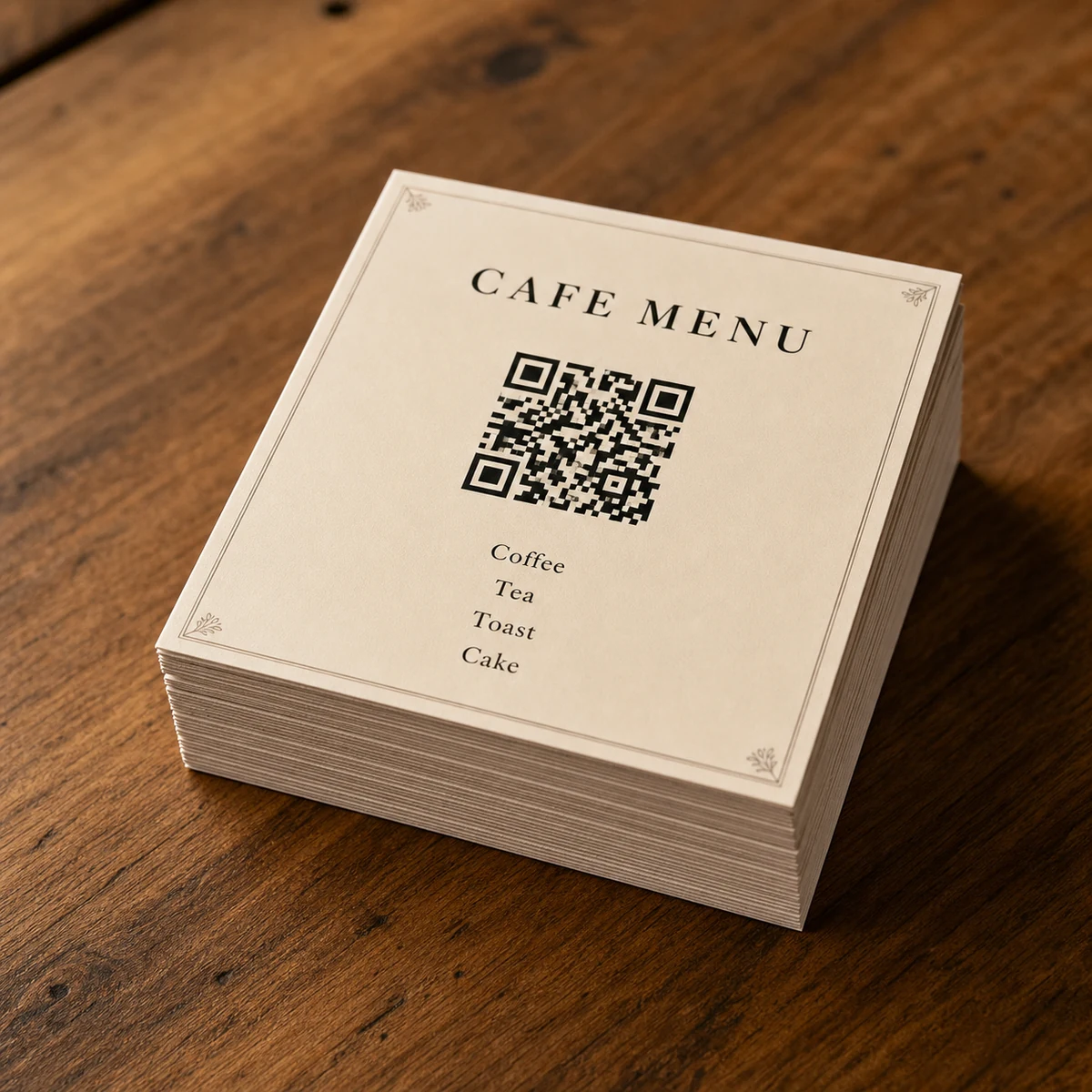
A5 sits between DL and A4 in height and is a common choice for casual dining venues that want a single-page menu without the bulk of a full A4 sheet. Cafes, fast casual restaurants, and food trucks often use A5 for a daily printed menu with a QR code to the full ordering platform or dietary notes.
A4 menus (210 x 297mm) for full dining menus
A4 is the standard size for a full-service restaurant menu. It gives enough room to print your entrees, mains, and desserts in a readable font size while still leaving a clear panel for a QR code and a brief call to action. For venues with extensive wine lists or cocktail menus, an A4 sheet printed on both sides keeps all the essentials on a single item rather than a multi-page booklet.
A3 menus (297 x 420mm) for shared table displays
A3 works well for venues that place a single menu in the centre of a shared table or mount it in a counter-top display stand. At this size, the QR code can be printed large enough to scan from across the table, and there is plenty of room for imagery alongside your menu content.
Choosing the right stock for hospitality use
Printed menus in a hospitality environment take a lot of handling. Spills, finger grease, and daily cleaning wipes will destroy an uncoated or thin stock within weeks. The two stocks available for standard menus from Paperlust Print Shop approach durability from different angles.
300gsm Matte with laminate upgrade
The 300gsm Matte stock is the better choice for anything that will sit on a table and be handled repeatedly. It is a premium rigid sheet that does not flex or curl easily. The laminate upgrade, available exclusively on 300gsm Matte, adds a thin protective coating that makes the surface wipe-resistant and helps the menu survive a sticky-fingered service period. For DL table talkers, A5 cafe menus, and A4 restaurant menus that you expect to last six months or more, laminated 300gsm Matte is the specification to use.
170gsm Silk for lower-traffic applications
The 170gsm Silk is a bright-white stock with a subtle sheen. It is lighter and less rigid than the 300gsm Matte, which makes it better suited to counter menus that are displayed rather than handled, single-use daily specials sheets, or inserts inside a plastic holder. If you are reprinting frequently as your menu changes, the lower cost per sheet on Silk stock can be useful.
| Stock | Weight | Laminate available | Best for |
|---|---|---|---|
| 300gsm Matte | 300gsm | Yes – wipe-resistant | Table menus, table talkers, high-traffic use |
| 170gsm Silk | 170gsm | No | Counter inserts, daily specials, low-traffic display |
Designing a QR code that scans every time
A QR code printed on a menu that refuses to scan is worse than no QR code at all. It leaves guests frustrated and puts your staff in the awkward position of explaining a broken touchpoint. Getting the design right is straightforward once you understand the few rules that matter.
Minimum print size
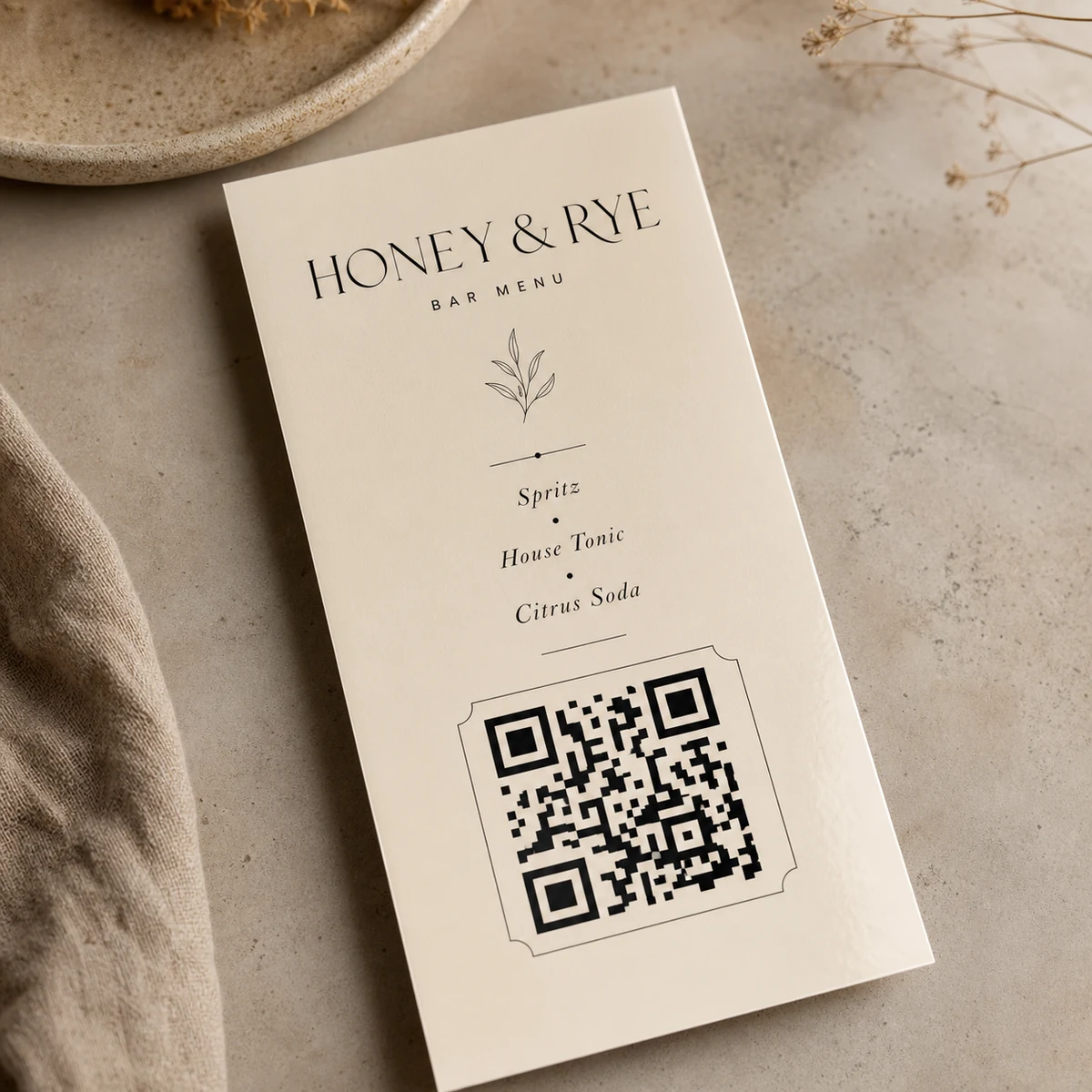
The absolute minimum scannable size for a QR code is 25mm x 25mm (approximately 1 inch square). For a printed menu that may be scanned under low restaurant lighting, 30-35mm is a safer target. At DL format, a 30mm QR code in the lower corner takes up a small proportion of the face but scans reliably from a comfortable hand-held distance.
Quiet zone
A quiet zone is the white (or background-coloured) border that surrounds a QR code on all sides. Without adequate quiet zone, camera apps misread the edges of the code. The standard is a minimum of 4 modules wide on all four sides – in practical terms, this means leaving a clear margin of roughly 3-4mm between the QR code boundary and any printed content or the edge of the card.
Contrast
Dark module on light background is the correct approach. A solid black QR code on a white or cream background gives cameras the sharpest reading. Reversed QR codes (light modules on dark backgrounds) are technically readable if the contrast ratio is high enough, but they fail more often in dim environments. If your menu design has a dark background, place the QR code in a white boxed panel rather than reversing it.
Error correction level
QR codes have four error correction levels: L, M, Q, and H. Higher levels allow the code to be scanned even if part of it is obscured or damaged. For a printed menu where the code is unlikely to be obscured but may get a small smudge, use level M or Q. If you plan to overlay your logo in the centre of the QR code (a common design choice), use level H, which tolerates up to 30% data loss.
URL length and dynamic codes
Shorter URLs scan faster and produce a less dense code that is easier to print at small sizes. Using a URL shortener or a dynamic QR platform routes a short printed URL through to your full destination address. This is also how you update the destination without reprinting: change the forwarding address on your QR platform, and every printed menu instantly points to the new page.
Dynamic QR codes: update your digital menu without reprinting
This is the feature that makes the hybrid model genuinely practical for busy venues. A dynamic QR code stores a short redirect URL in the code itself. The redirect destination (your digital menu, your online ordering platform, or a PDF) can be changed at any time through your QR management platform. The printed card never changes.
When to use dynamic codes
Use a dynamic QR code any time your digital destination might change. This includes:
- Venues that update their menu seasonally and want to swap from the summer menu to the autumn menu without a reprint
- Venues that use multiple online ordering platforms (for example, switching from one delivery aggregator to another)
- Hotels that want the QR on their printed room service card to point to the current in-room dining menu, which changes monthly
What this means for reprinting
With a dynamic QR setup, you reprint your physical menus only when the printed content itself is outdated. If you print a core menu on 300gsm Matte with laminate, update your digital specials daily, and season-change your digital menu quarterly, you may only need to reprint the physical cards once or twice a year.
Tracking scans
Most dynamic QR platforms include scan analytics as standard. You can see total scan volume, time of scan, device type, and (in some platforms) geographic location data. For hospitality venues this can be useful data: which table talkers are scanned most, whether guests check the wine list more at lunch or dinner, and whether a specials prompt at table generates more digital orders. The printed menu acts as a trigger point; the QR platform captures the behaviour.
Accessibility and the case for a real printed menu
A QR-only menu strategy has a genuine accessibility problem that most venues underestimate until a complaint arrives.
Older guests, guests with limited smartphone proficiency, diners with visual impairments who use screen readers (which do not interact well with QR codes as a primary navigation tool), and guests without mobile data or a compatible device cannot access a QR-only menu without staff assistance. This is not a niche edge case. In Australian hospitality, a significant share of covers at any given service will include guests for whom a QR-only approach creates a barrier.
The practical solutions are:
- Print a full-text version of your menu on the same card that carries the QR code, so guests can use either
- Keep a small supply of printed backup menus at the host stand for guests who request them
- Ensure your QR code destination is a mobile-accessible webpage rather than a PDF download (PDFs are harder to navigate on screen readers)
- Train staff to offer a physical printed menu proactively rather than waiting to be asked
The hybrid approach handles most of this automatically. A printed menu with a QR code for extended content gives every guest a usable physical reference. The QR is an enhancement, not a replacement.
Venue types and recommended configurations
Different hospitality formats have different requirements. The table below maps common venue types to the most practical printed QR menu configuration.
| Venue type | Recommended size | Recommended stock | QR destination |
|---|---|---|---|
| Cafe – counter service | DL or A5 | 300gsm Matte + laminate | Full menu page or ordering platform |
| Restaurant – table service | A4 (both sides) | 300gsm Matte + laminate | Wine list, allergen info, or specials |
| Bar or cocktail venue | DL table talker | 300gsm Matte + laminate | Full cocktail list or seasonal specials |
| Hotel room service | A5 or A4 | 170gsm Silk (replaced regularly) | In-room dining PDF or page |
| Food truck or market stall | A3 (counter display) | 300gsm Matte + laminate | Online ordering or pre-order link |
How to order your printed QR menus
Step 1: Confirm your QR code before you send to print
Generate your QR code and test it across at least three different devices and camera apps before building it into your artwork. Once your menus are printed, you cannot change the QR code on the physical card. If you are using a dynamic QR service, confirm that the redirect is live and pointing to the correct destination.
Step 2: Set up your artwork
Supply your print file as a print-ready PDF with 3mm bleed on all sides and all text at least 3-5mm inside the trim edge. Your QR code should be embedded in the file as a vector or high-resolution raster at 300dpi or higher. Check that your QR code retains its black-on-white contrast in the print file and has not been inadvertently converted to a spot colour or reduced in resolution during export.
Step 3: Choose your size and stock
Select from DL, A5, A4, or A3 to match your venue’s format needs. For any menu that will be on tables, choose 300gsm Matte and add the laminate upgrade for wipe resistance. For counter displays or short-run specials sheets, 170gsm Silk is a cost-efficient choice.
Step 4: Approve your proof
A designer proof is provided within 1-2 business days of your order. This is your last opportunity to check that the QR code is correctly positioned, the quiet zone is adequate, and the surrounding design is print-ready. Scan the proof PDF on your phone before approving.
Step 5: Production and delivery
Most menus are printed within 24-48 hours of proof approval. Delivery is flat-rate across Australia, with metro areas typically receiving orders within 1-2 business days of dispatch and regional areas within 3-5 business days.
For venues that need menus before a specific opening or event, place your order with enough buffer to account for proof turnaround and transit time. Ordering a week ahead of your launch date is a comfortable window for most standard menu runs.
Browse the full range of sizes and stocks at Paperlust Print Shop standard menus.
See also
For format and material decisions on other hospitality print products, see our guides to cafe and takeaway menu printing and restaurant menu printing in Australia. If you want premium finishing such as foil or white ink on your menus, see our foil and white ink menu printing guide.
You can order metallic foil menu printing online from the Paperlust Print Shop, printed and shipped Australia-wide.
Frequently asked questions
Can I put a QR code on any size printed menu?
Yes. QR codes work on all standard menu sizes: DL (99x210mm), A5, A4, and A3. The minimum recommended print size for a reliably scannable QR code is 25mm x 25mm. On DL format, a 30mm QR code in the lower section of the design gives you enough quiet zone and is comfortable to scan without needing to hold the card unusually close to the camera.
What is the difference between a static and a dynamic QR code?
A static QR code stores the destination URL directly in the code. If you want to change where it points, you have to reprint. A dynamic QR code stores a short redirect URL in the code, and the redirect destination can be changed at any time through your QR management platform. For hospitality venues that update their digital menu regularly, dynamic codes are the practical choice because you can update the destination without reprinting the physical menus.
Which stock should I choose for table menus that get wiped down daily?
Choose 300gsm Matte with the laminate upgrade. The laminate coating adds a wipe-resistant surface that tolerates standard cleaning with a damp cloth. Uncoated or unlaminated stocks will absorb moisture over time, causing the surface to soften and the print to deteriorate. The 170gsm Silk stock is lighter and better suited to counter display or low-handling applications where cleaning is less frequent.
Do I need to include a printed menu as well as a QR code, or can I use QR-only?
QR-only menus create a barrier for older guests, guests without compatible smartphones, and anyone in a low-signal area. For most hospitality venues, a hybrid approach works best: print a core menu on the physical card so every guest has a readable reference, and include a QR code for extended content such as the full wine list, daily specials, allergen information, or online ordering. This way no guest is excluded and your staff spend less time manually assisting with the menu.
How long does it take to print and deliver menus?
Most standard menus are printed within 24-48 hours of proof approval. A designer proof is returned within 1-2 business days of placing your order. Delivery is flat-rate across Australia: typically 1-2 business days to metro areas and 3-5 business days to regional areas after dispatch. For a new venue opening or an event with a fixed date, ordering at least a week in advance gives you comfortable buffer for proof review and transit.
Can I track how many times guests scan my QR code menu?
Yes, if you use a dynamic QR code platform. Most dynamic QR services provide scan analytics that show total scan volume, peak scan times, and device type. This data can be useful for understanding guest behaviour: for example, whether guests are checking the wine list before ordering, or whether a QR-prompted specials page generates additional orders. Static QR codes (where the destination URL is embedded directly in the code) do not offer tracking, as there is no redirect layer to log the interaction.