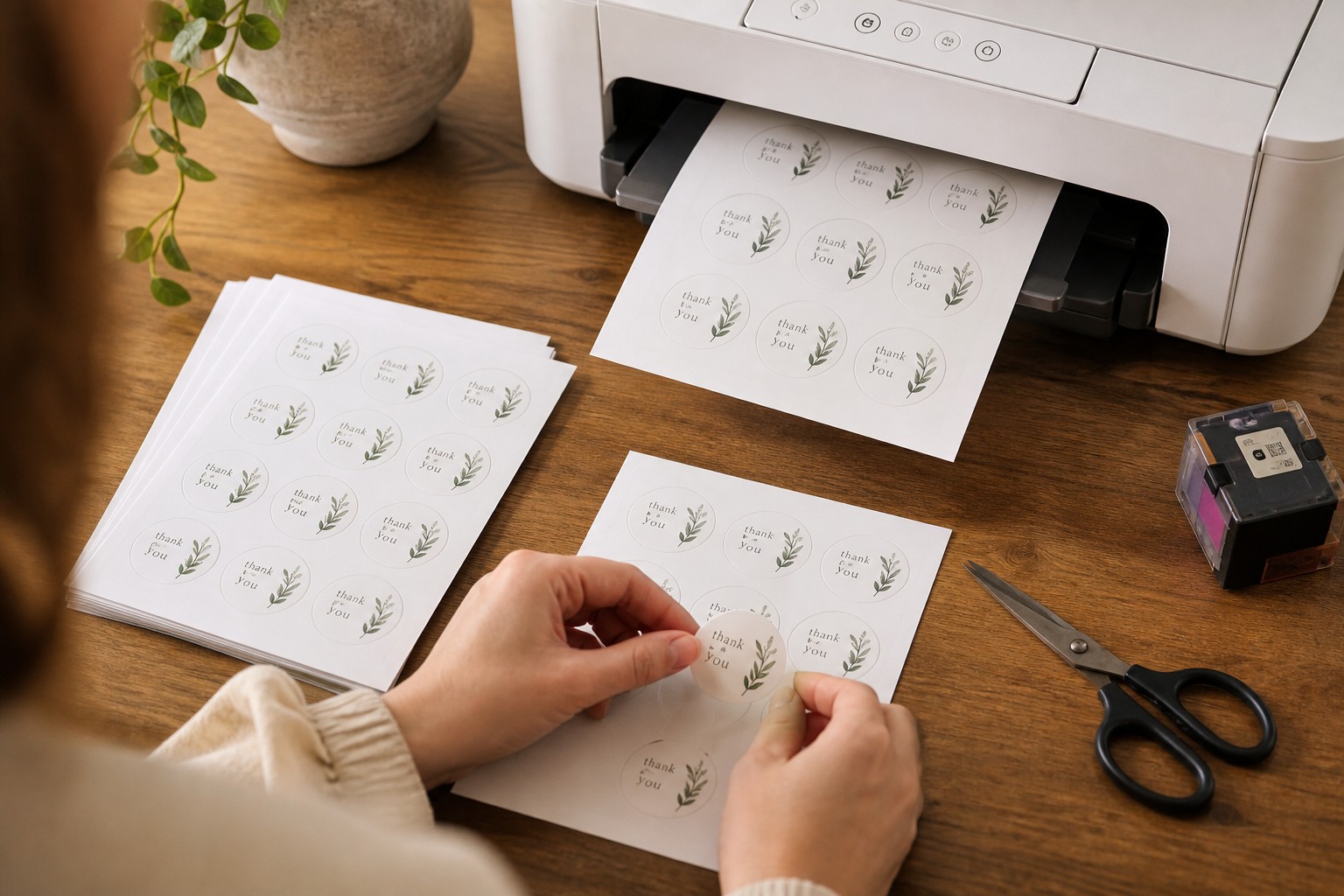
A4 sticker paper lets you print stickers at home immediately, with no minimum quantity. Professionally printed sticker sheets cost more per sheet at tiny runs but deliver consistent colour, cleaner edges, and better durability once your volume grows. Which option suits you depends on run size, end use, and your own paper and ink costs.
- Home printing: no minimum, print immediately, ideal for tiny runs and iterating on a design
- Professional printing: consistent colour, clean cuts, durable stock, better value at volume
- Paperlust sticker sheets: default 105mm x 148mm, max 295mm x 425mm (A4 at 210 x 297mm fits inside this)
- Minimum 10 sheets per design, 24-hour production
- $7.20 per sheet at 10, falling to $1.00 per sheet at 5,000
- Flat-rate shipping Australia-wide
What is A4 sticker paper?
A4 sticker paper is a full-page self-adhesive sheet, 210mm x 297mm, designed to run through your own printer. You design the layout yourself, load the sheet like ordinary paper, print, then cut the stickers by hand or with a cutting machine.
The term covers a wide range of products. Getting the type wrong causes problems, so it is worth understanding the two main categories before you buy.
Inkjet versus laser: not interchangeable
Most home and small-office printers are either inkjet or laser. The sticker paper must match the machine.
Inkjet sticker paper has an ink-absorbing coating on the face. It handles gradients and photographic designs well and typically produces richer, more vibrant colour. The limitation is durability: standard inkjet inks can smear on contact before they are fully dry, and most paper-based inkjet sticker sheets are not waterproof without an additional sealant.
Laser sticker paper is engineered to survive the high-heat fuser inside a laser printer, which operates at around 200 degrees Celsius. Toner fuses as a plastic layer onto the surface, so it is inherently smudge-resistant once set. The print quality is excellent for text and solid graphics, though photo-realistic gradients are generally stronger from a good inkjet.
The rule that matters: do not put inkjet sticker paper into a laser printer. The ink-absorbing coating is not designed for fuser heat. It can melt, distort, or deposit adhesive residue inside the machine. Check the packaging carefully and match paper to printer before you load anything.
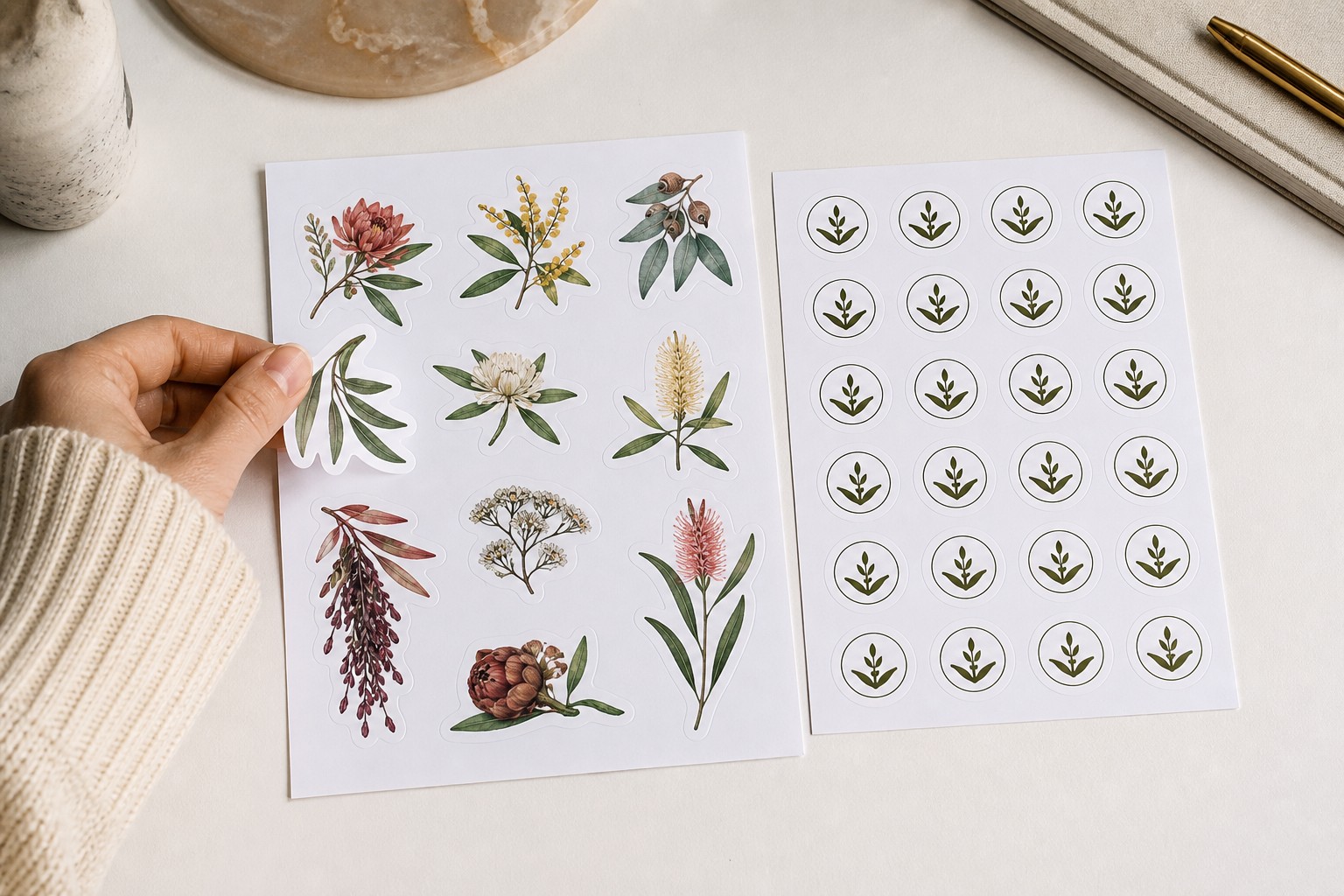
Sealant and durability
Paper-based home-printed stickers are not naturally water or scuff resistant. If the stickers will go on anything handled frequently, applied to a water bottle, or used on product packaging, you need a sealant.
Common options are a clear spray sealant applied after printing, a cold laminating pouch, or a roll laminator. All of these add time, cost per sheet, and an extra process step for every print run.
Vinyl inkjet sticker sheets are more water-resistant at the base stock level, because the face is a synthetic film rather than coated paper. Even so, the ink layer on the surface can scuff over time without a protective top coat.
If you are laminating every sheet, add that cost when you run the break-even calculation below.
Cutting
After printing you still need to separate the individual stickers. The options are:
- Scissors or a craft knife and ruler. Practical for rectangles and squares. Slow and imprecise for anything with a curved or intricate outline.
- A home cutting machine such as a Cricut or Silhouette. Handles curves and custom shapes accurately once set up, and produces consistent results across a batch. The machine is a capital cost, and each new design requires setup time in the accompanying software.
Neither method matches the result of a professional kiss-cut, where the sticker is cut through to the backing but the backing sheet remains intact. Small variances in home cutting become obvious when stickers are peeled, particularly at the corners of detailed shapes.
Professionally printed sticker sheets
A professionally printed sticker sheet is a product you send a design file for and a print shop produces. You specify the sheet dimensions and layout; the printer handles calibration, stock selection, and cutting.
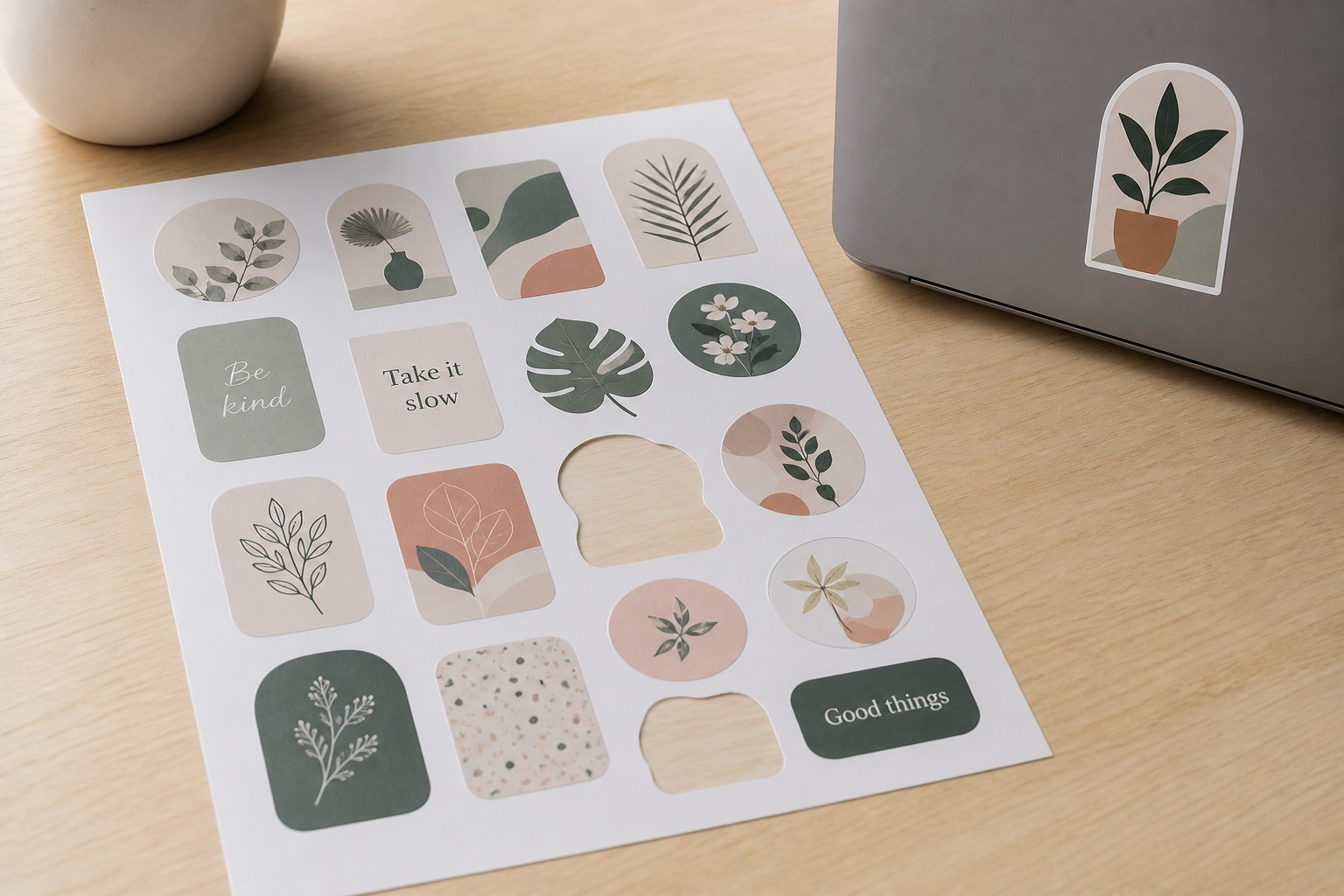
Paperlust sticker sheets
Our custom sticker sheets are a custom-designed sheet printed to your layout. You control what goes on the sheet: one design repeated, a mix of different sizes, or a single image that fills the whole area.
Specs:
- Default sheet size: 105mm x 148mm
- Maximum sheet size: 295mm x 425mm
- A standard A4 sheet at 210mm x 297mm sits comfortably inside that maximum
- Minimum: 10 sheets per design
- Production: 24 hours
- Shipping: flat-rate, Australia-wide
Pricing per sheet:
- 10 sheets: $7.20 per sheet
- 5,000 sheets: $1.00 per sheet
- The full price ladder is on the product page
24-hour production is faster than most makers expect from a professional printer and narrows one of the traditional advantages of home printing for anyone who does not need stickers within the hour.
Where professional printing genuinely wins
Colour consistency. Professional printing uses calibrated equipment and consistent ink formulations. If you reorder the same sheet design three months later, the colour will match closely. Home printers vary between cartridge batches, maintenance states, and humidity conditions, so colour drift between runs is common, particularly on designs with precise brand colours.
Edge quality. Professional kiss-cutting produces clean, consistent edges that are difficult to achieve with scissors or even a home cutting machine at volume. The backing sheet stays intact and individual stickers peel cleanly.
Predictable cost at volume. The per-sheet price falls steadily with quantity. At a few hundred sheets, professional printing is often cheaper than home printing once ink, paper, laminate, and cutting time are included. The break-even point depends on your own costs (see below).
No printer management. No clogged heads, no cartridge runs, no paper jams on sticker stock, no wondering whether this brand of sticker paper is compatible with your specific printer model.
Where home printing genuinely wins
Tiny runs. If you need two or three sheets right now, home printing is faster and almost certainly cheaper at that quantity, assuming you already own a printer. There is no minimum order.
Same-day turnaround. Even with 24-hour professional production and fast shipping, home printing is quicker for urgent, low-volume needs.
Iterating on a design. If you are still testing layouts, sizes, or colour choices, printing one sheet at home costs almost nothing and lets you hold the result in your hands before committing to a larger order.
Break-even: running the numbers yourself
Whether home printing or ordering professionally is cheaper for your situation depends on your own paper and ink costs. Those vary enough by printer model, cartridge yield, paper brand, and whether you laminate that I am not going to invent the figures on your behalf. What follows is the method to run with your own numbers.
Step 1: calculate your home-print cost per sheet.
Add three figures:
- Cost of one A4 sticker sheet (check your supplier price per sheet, not per pack)
- Ink cost per page: divide your cartridge price by the manufacturer’s page yield, then multiply by your rough coverage percentage for a typical sticker layout
- Laminate cost per sheet, if you seal your prints
If you also cost your cutting time, divide your effective hourly rate by the number of sheets you can cut per hour and add that figure too.
Step 2: find the professional price at your expected volume.
At 10 sheets, the Paperlust price is $7.20 per sheet. The price per sheet falls with quantity. Visit the sticker sheets product page for the full quantity ladder, then note the per-sheet price at the run size you are planning.
Step 3: find the crossover point.
The break-even is the quantity where the professional per-sheet price equals your home-print cost per sheet. If your all-in home cost works out to $4.00 per sheet, the break-even sits at the quantity where the professional price reaches $4.00. If your home cost is $8.50 because you are using premium vinyl stock and laminate, professional printing is cheaper from the first 10 sheets.
Cost is one input. Factor in also: cutting time at volume, the quality difference on the finished sticker, and whether the end use requires water resistance or colour consistency that home printing cannot reliably deliver without additional steps.
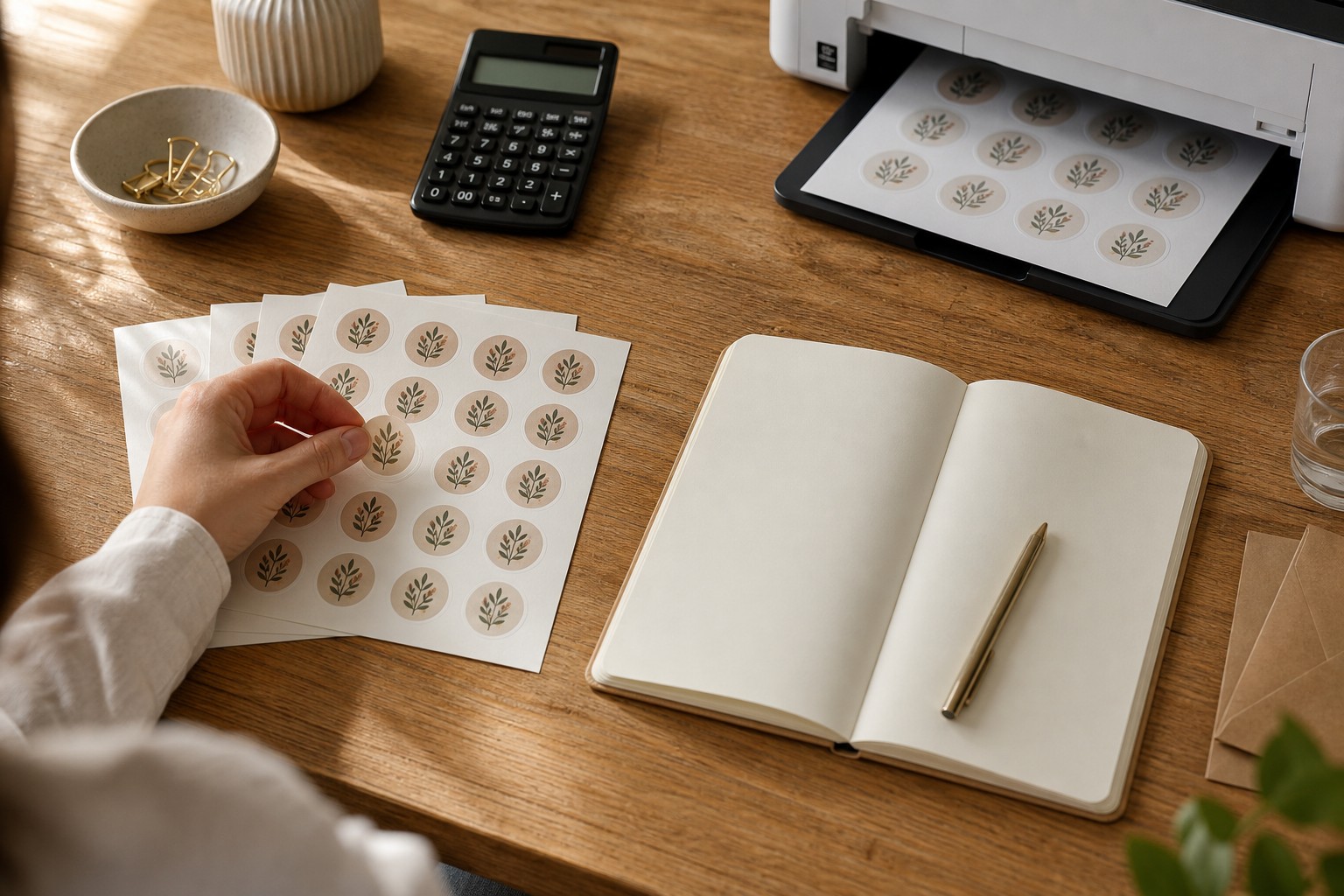
Which situation suits which option
Home printing on A4 sticker paper makes sense when:
- You need one to five sheets immediately and own a compatible printer
- You are testing a design before committing to a larger run
- The stickers are for personal use where colour precision and durability are not critical
- Your calculated home-print cost per sheet is genuinely lower than the professional price at your planned quantity
Professional sticker sheets make sense when:
- You need consistent colour across multiple print runs or batches
- The stickers will be applied to products, packaging, or anything handled frequently or exposed to moisture
- You want clean, professional edges without investing in cutting equipment
- Your run size is 10 sheets or more and the per-sheet professional price is competitive with your home cost
A companion article in this series covers A4 sheet layout planning: how to decide how many stickers fit a given sheet size and how to set up your artwork file. If you are still deciding on your sheet layout before placing an order, that article is worth reading first.
For the full range of custom sticker options beyond sticker sheets, see the custom stickers category.
Frequently Asked Questions
Can I use any A4 sticker paper in my printer?
No. Inkjet sticker paper has a coating designed for liquid ink and should never go into a laser printer. The heat from the laser fuser can melt the coating or adhesive and cause damage to the machine. Always check that the sticker paper is rated for your printer type.
Do home-printed stickers need to be sealed?
Most paper-based home-printed stickers benefit from a sealant if they will be handled, stuck to anything wet, or used on product packaging. A clear spray sealant or cold laminating film significantly extends durability. Vinyl inkjet stock has better base water resistance, but the printed surface can still scuff without protection.
What is the minimum order for Paperlust sticker sheets?
The minimum is 10 sheets per design. There is no upper limit; the price ladder runs to 5,000 sheets on the product page.
Can I order an A4-sized sticker sheet?
Yes. The maximum sheet size at Paperlust is 295mm x 425mm, and a standard A4 sheet at 210mm x 297mm sits within that. Specify your dimensions when uploading your design.
How long does professional sticker sheet printing take?
Paperlust sticker sheets have a 24-hour production time. Add flat-rate shipping time within Australia for your estimated delivery window.
At what quantity does professional printing become cheaper than home printing?
It depends on your own paper, ink, and laminate costs. Use the three-step method in the article above to find your specific break-even. For most small makers with a standard inkjet printer and laminated paper stock, the crossover typically falls somewhere in the 20 to 100 sheet range.
Can I put multiple different designs on one sticker sheet?
Yes. You control the layout of your sticker sheet entirely. You can fill it with one design repeated, a mix of different designs at different sizes, or one full-sheet graphic. Upload your layout as a single artwork file.
What if I need stickers in a custom shape?
Sticker sheets produce a sheet you cut yourself or use for a layout of shapes within the sheet boundary. For pre-cut individual stickers in a custom outline, see the die-cut and kiss-cut sticker options in the custom stickers range.