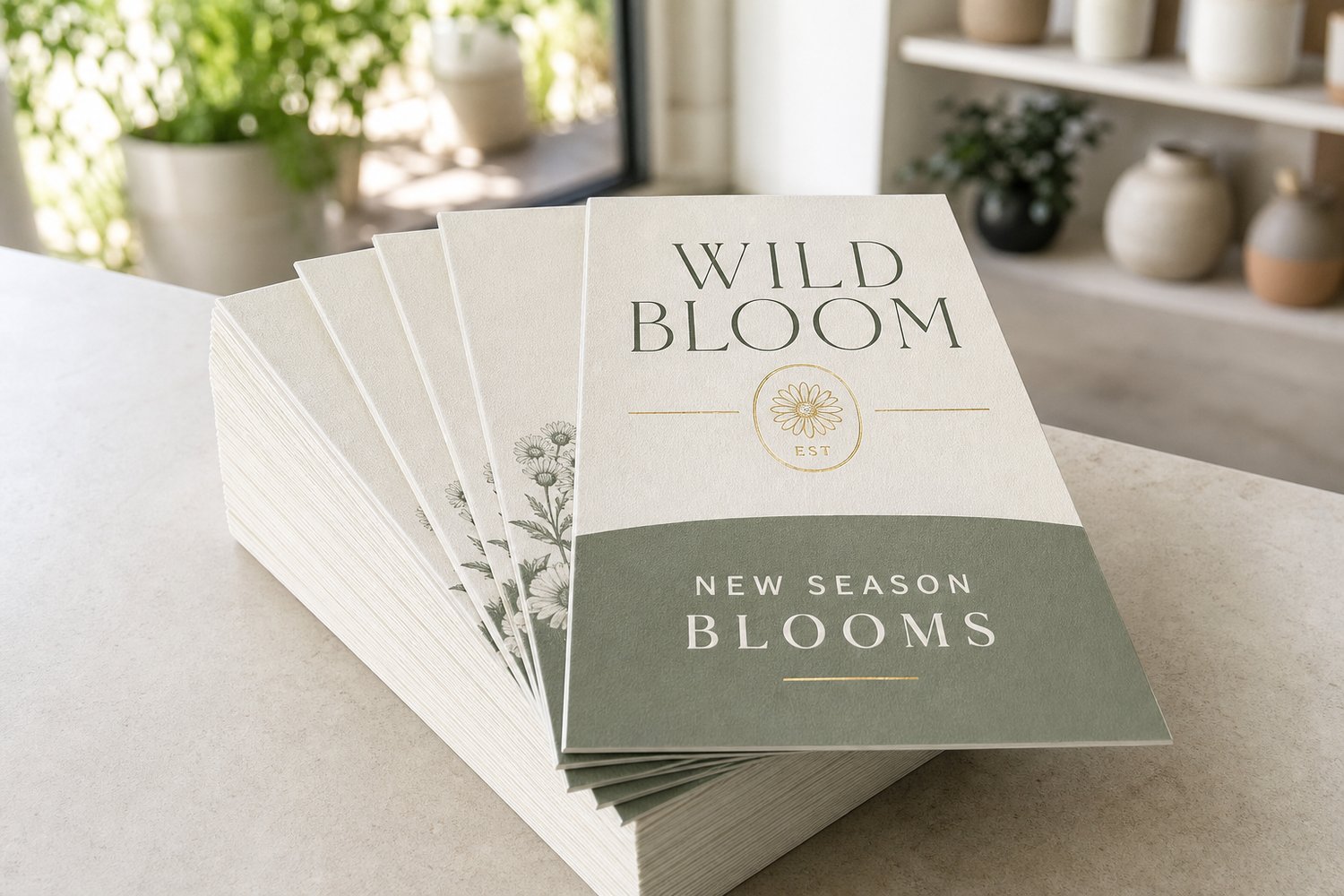
Ordering too few flyers means scrambling for a reprint mid-campaign. Order too many and you are paying for paper that sits in a cupboard. Getting the quantity right is not guesswork: it is a simple calculation based on your coverage area, your expected response rate, and the economics of print-run sizing. This guide walks you through the maths, explains why unit cost falls as quantity rises, and helps you decide whether to print in one run or top up later.
CHEAT SHEET
- For a letterbox drop, count your target households and add 10-15% buffer for misdeliveries and damage.
- Response rates for unaddressed mail in Australia typically sit between 0.5% and 2% depending on offer and area.
- Cost-per-unit drops significantly at common volume thresholds: the jump from 100 to 500 is usually the biggest saving.
- Ordering one larger run almost always beats two smaller reprints on total cost, unless your campaign details change.
How to Calculate Your Flyer Quantity
Start with the geography, not a gut feel. The simplest approach is to work backwards from your goal.
The household-coverage method
1. Define your catchment zone. Use Australia Post’s postcode boundary tool or Google Maps to outline the streets or suburbs you want to reach. 2. Estimate the household count. ABS census data puts average AU households per suburb at roughly 1,200-4,000 for inner-suburban areas, and 300-800 for regional townships. Council rates data or distribution companies can give you a precise count. 3. Apply your response-rate estimate. For unaddressed letterbox mail, a realistic planning rate is 0.5% to 1% in most categories, rising to 1.5-2% for hyper-local offers (a new cafe two streets away, a trade service in the suburb). ADMA research shows unaddressed mail is the preferred marketing channel for 31% of consumers, which makes it more receptive than digital cold outreach. 4. Work backwards to your print quantity. If you need 50 new leads and expect a 1% response rate, you need 5,000 flyers delivered. Add 10-15% on top for wastage (misdeliveries, damaged flyers, distribution overage).
Example: A plumber targeting three adjacent suburbs with a combined 4,200 households, aiming for 1% response, needs 4,200 flyers plus a 500-unit buffer = 4,700. Rounding to 5,000 makes sense both logistically and on pricing tiers.
Why Cost-Per-Unit Falls With Volume
Print economics are not linear. The majority of the cost in any print job is fixed setup: file processing, plating (for offset) or RIP processing (for digital), machine startup, and quality checks. Once those costs are spread across more units, the per-unit figure drops sharply.
The table below illustrates typical print-run cost behaviour. Exact pricing depends on size, paper stock, and finish. Use the Paperlust Print Shop flyers page to get a live quote for your specific configuration.
| Quantity | Unit cost behaviour | Best suited for |
|---|---|---|
| 50-100 | Highest per-unit cost; ideal for testing a design before committing | Events, short-term promotions, proof runs |
| 250-500 | Meaningful cost drop; the sweet spot for small local campaigns | Single-suburb letterbox drops, in-store handouts |
| 1,000-2,000 | Strong per-unit saving; covers most small-business campaigns | Multi-suburb drops, market stalls, 3-month campaigns |
| 5,000+ | Best per-unit rate; suits sustained distribution or multi-venue coverage | Franchise-area drops, ongoing campaigns, trade events |
At Paperlust Print Shop, flyers start from $0.05 inc. GST per unit at high volumes. The jump from a small run to a medium run delivers the biggest percentage saving, so if you are on the fence about quantity, sizing up one tier almost always pays off.
One Run vs Multiple Reprints
The instinct to order a small first batch “and see how it goes” is understandable, but it usually costs more overall. Here is why.
The case for a single larger run:
- You avoid paying setup costs twice.
- Your per-unit rate on the larger run beats two smaller runs added together.
- Design consistency is guaranteed – no risk of colour drift between print jobs if your brand changes slightly.
- You maintain stock for top-up distribution without delay.
When a reprint makes sense:
- Your campaign details change (new phone number, seasonal offer, address update).
- You are testing two different headlines before committing to a larger run.
- Genuine uncertainty about distribution reach means you cannot confidently forecast quantity.
The general rule: if your design and campaign details are locked, print everything you need in one run. If you are still experimenting, a smaller test run is a smart investment before scaling.
Choosing Your Size for the Right Coverage
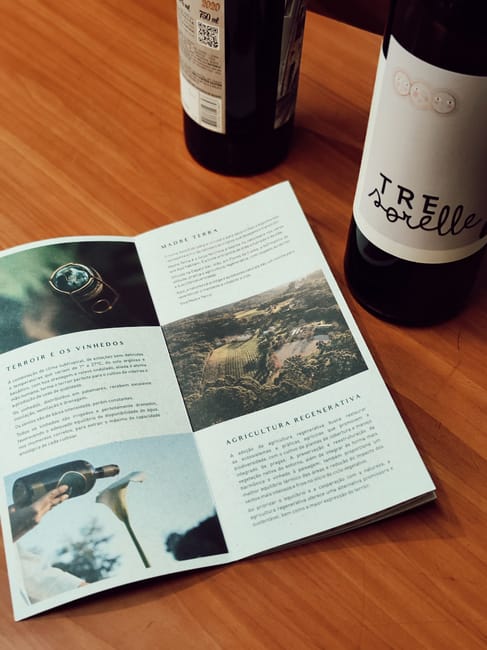
Different distribution channels suit different flyer sizes. Matching size to channel reduces waste and maximises impact.
| Format | Dimensions | Best distribution channel | Notes |
|---|---|---|---|
| DL | 99mm x 210mm | Letterbox drops, restaurant inserts, counter stands | Fits standard letterboxes; cost-efficient to print and post |
| A6 | 148mm x 105mm | Event handouts, cafe counters, retail bags | Compact; high volume per print dollar |
| A5 | 148mm x 210mm | Retail promotions, community noticeboards, real estate | Most versatile; enough room for offer details and imagery |
| A4 | 210mm x 297mm | Trade shows, window displays, reception desks | Maximum information; not ideal for letterbox due to folding |
| A3 | 297mm x 420mm | Large posters, window signage, venue boards | High visual impact; typically displayed rather than distributed |
For letterbox drops specifically, DL and A5 dominate. DL fits most residential letterboxes without folding; A5 provides more design real estate while still being practical to carry in distribution bags.
Paper Stock and Finish: How They Affect Quantity Planning
Your paper choice has a direct impact on how many you need and how they hold up in the field.
The Paperlust Print Shop flyers range offers:
- 150 gsm Gloss – a step up in durability; good for multi-venue distribution where flyers may be handled repeatedly
- 170 gsm Matte – noticeably sturdier; matte finish suits text-heavy designs and avoids glare
- 250 gsm Gloss – card-weight; best for premium handouts, menus, or keepsake-style promotions
For a letterbox campaign where the flyer has a short life (read once, act or discard), 150 gsm gloss is a practical choice that keeps your per-unit cost low and allows a larger distribution run. For trade-show or counter handouts where the flyer may be kept for days or weeks, the 170 gsm matte or 250 gsm gloss stocks hold up better in bags and pockets.
If your campaign includes a double-sided design, order double-sided printing. A well-designed reverse can carry the headline offer on one side and contact details, map, or QR code on the other, improving recall without increasing your print quantity.
For a deeper look at how DL compares to other formats for letterbox work, see DL Flyer vs Leaflet: Which Format Wins for Letterbox Drops. If you are deciding between flyers, brochures, or folded formats, the Paperlust Print Shop brochures page shows folded options that carry more content in the same footprint.
Campaign Quantity Planning: a Practical Example
Business type: A new physio clinic opening in an inner-Melbourne suburb.
Goal: 30 new patient enquiries in the first month.
Assumed response rate: 1% (hyper-local health service, strong incentive offer).
Calculation:
- Enquiries needed: 30
- Response rate: 1%
- Flyers needed for goal: 3,000
- Buffer (15%): 450
- Total recommended print run: 3,500 – round to 3,500 or bump to the next pricing tier at 4,000 for the better per-unit rate.
Size choice: A5 (enough space for clinic name, photo of premises, offer, QR code linking to booking page).
Paper choice: 170 gsm Matte (professional, easy to read in bright letterboxes, holds up in mixed weather).
Timeline note: Paperlust Print Shop flyers have a 2-5 working-day production time after design proof approval. Factor this into your campaign launch date. For a Monday letterbox distribution, order the previous week to allow for production and delivery.
For similar planning logic applied specifically to DL format and size comparisons, see Flyer Printing Australia: DL, A5 and A6 Sizes Compared.
Frequently Asked Questions
How many flyers do I need for a letterbox drop in Australia?
The number depends on your catchment area and your target response. Count the households in your delivery zone, apply a conservative 0.5-1% response rate for most campaigns, then calculate the quantity needed to hit your goal. Add 10-15% buffer for wastage and distribution overage. Most small-business letterbox campaigns run between 2,000 and 10,000 flyers per suburb. For a precise quote on your quantity, visit the Paperlust Print Shop flyers page.
What is a realistic response rate for a flyer campaign in Australia?
Industry benchmarks for unaddressed letterbox mail typically sit at 0.5% to 1% for general offers, and up to 1.5-2% for hyper-local services with a compelling incentive (a discount, a free consult, a new local business). Response rates improve significantly with repeat exposure: most distribution experts recommend three drops over three to four weeks to the same area, which means your total print quantity should allow for that repetition.
Why does ordering more flyers cost less per unit?
Print has high fixed setup costs (file processing, machine preparation, quality checks) that are spread across every unit in the run. Once those fixed costs are covered, each additional unit costs only the material and press time, which is relatively low. The jump from a very small run (50-100 units) to a medium run (500-1,000) typically delivers the largest percentage saving per unit.
Should I order all my flyers at once or reprint as I go?
If your design and campaign details are locked, a single larger run will almost always cost less in total than two or more smaller runs, because you avoid paying setup costs repeatedly. Reprints are worthwhile when your content changes (new offer, updated contact details) or when you are genuinely uncertain about scale and need to test first.
What file format does Paperlust Print Shop require for flyers?
Flyers should be submitted as PDF, SVG, or Adobe Illustrator files at a minimum 300 dpi resolution, with 3mm bleed on all sides and crop marks included. This ensures the printed edge is clean with no white borders. If you are unsure how to set up bleed, the Paperlust Print Shop team reviews every file before printing and will flag any issues before production begins.
How long does it take to print and deliver flyers?
Production is 2-5 working days after your design proof is approved. Domestic delivery within Australia adds 1-2 business days for metro areas or 3-5 business days for regional locations via express shipping, and 2-5 business days metro or 4-6 days regional via standard. Factor both production and delivery into your campaign timeline.