You have a folder of finished sticker designs on your desktop, an Etsy tab open in the next window, and a sketchbook page full of ideas that are not listed anywhere yet. The first real question is not whether someone would buy them. The question is how many to print, in what format, and in what order to make each decision without wasting money.
When you ask how to start a sticker business, the answer is a sequence, not a single leap. Most first-time sellers work the sequence backward, list a mockup before they have held a printed sticker, choose a format after the artwork is done, and set a price before they know what one order costs. The order below saves time and protects your cash.
Paperlust prints your own artwork, and this guide assumes you pack and ship your own orders after the print run arrives. It covers artwork ownership, format choice, size checks, a small first run, honest photos, an Etsy listing that names your production partner, flat packing, and a blank cost worksheet so you can plan the reorder.
The short version
- Sell artwork you own, never borrowed characters or logos.
- Pick single die cut stickers, kiss cut stickers or sticker sheets by how buyers use them.
- Print the design at 100 percent on paper, cut it out, and hold it on a real surface.
- Approve the emailed proof and start at 10 stickers per design.
- Photograph the printed sticker, not a mockup.
- Name your production partner on Etsy.
- Price from a worksheet with your own current figures.
Start a sticker business with artwork you own
Before you choose a format or a quantity, own the rights to the artwork. A sticker business built on your original drawings has a clean foundation. One built on fan art, brand logos, song lyrics, or another artist’s work invites takedowns and account action. Etsy’s seller policies require that an item described as designed by the seller be the seller’s own original design, and any outside printer must be disclosed as a production partner.
For a clean contour cut around a shape, supply a vector file with a clear outline showing where the cut should follow. AI, EPS, and PDF files keep edges sharp at any size. Die cut tolerance is plus or minus 0.5 mm, so the cut can land up to 0.5 mm either side of the cut line. Keep text, borders, and thin details away from the edge.
Choose die cut singles, kiss cut stickers or sticker sheets
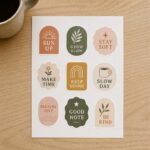
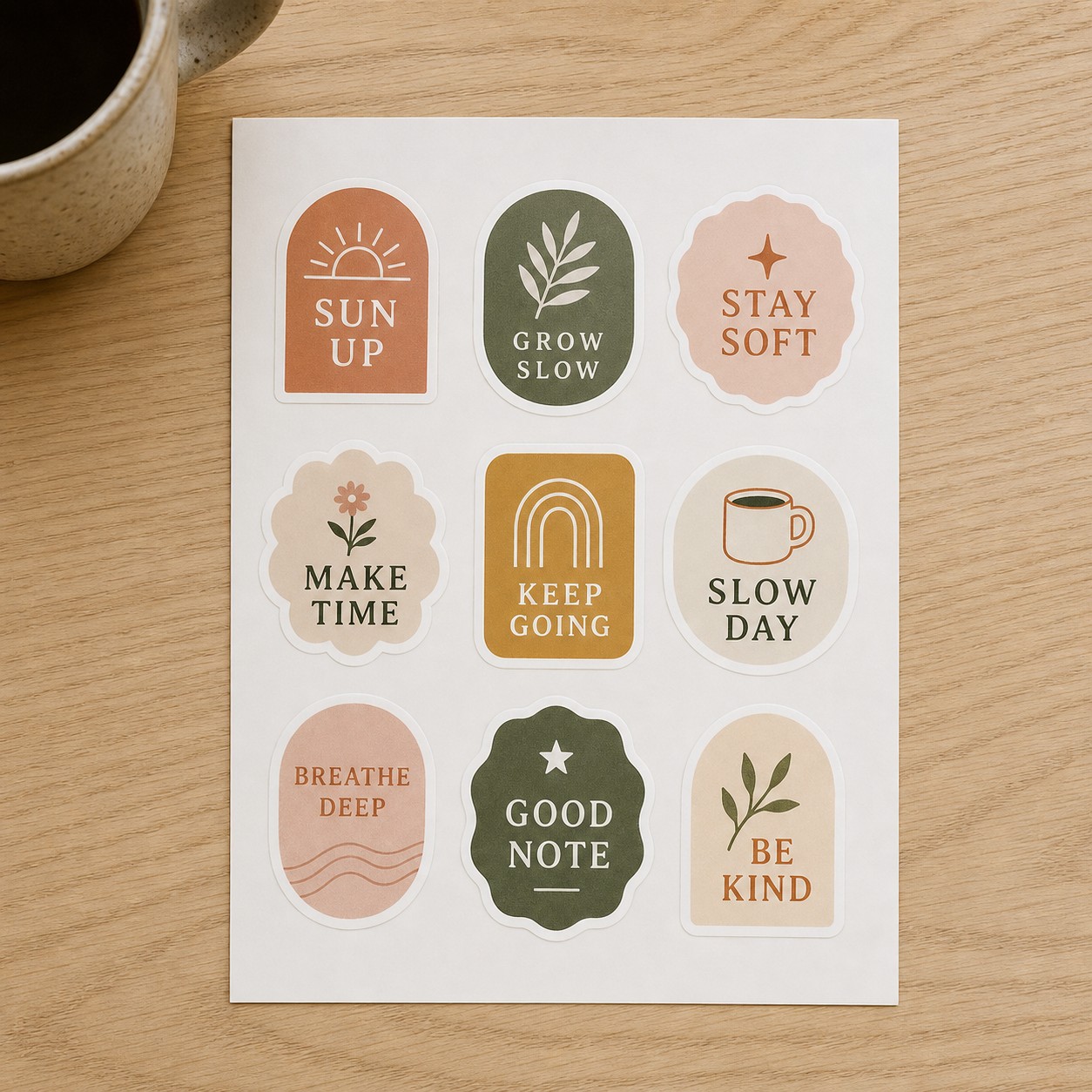
Format is a buying decision, not just a production setting. Order die cut stickers when you want each sticker to arrive as its own separate piece, cut through the backing. Order kiss cut stickers when you want every sticker to stay on a flat backing sheet until it is peeled, cut through the top sticker layer only. Order sticker sheets when a themed set of mixed shapes and sizes should share one product.
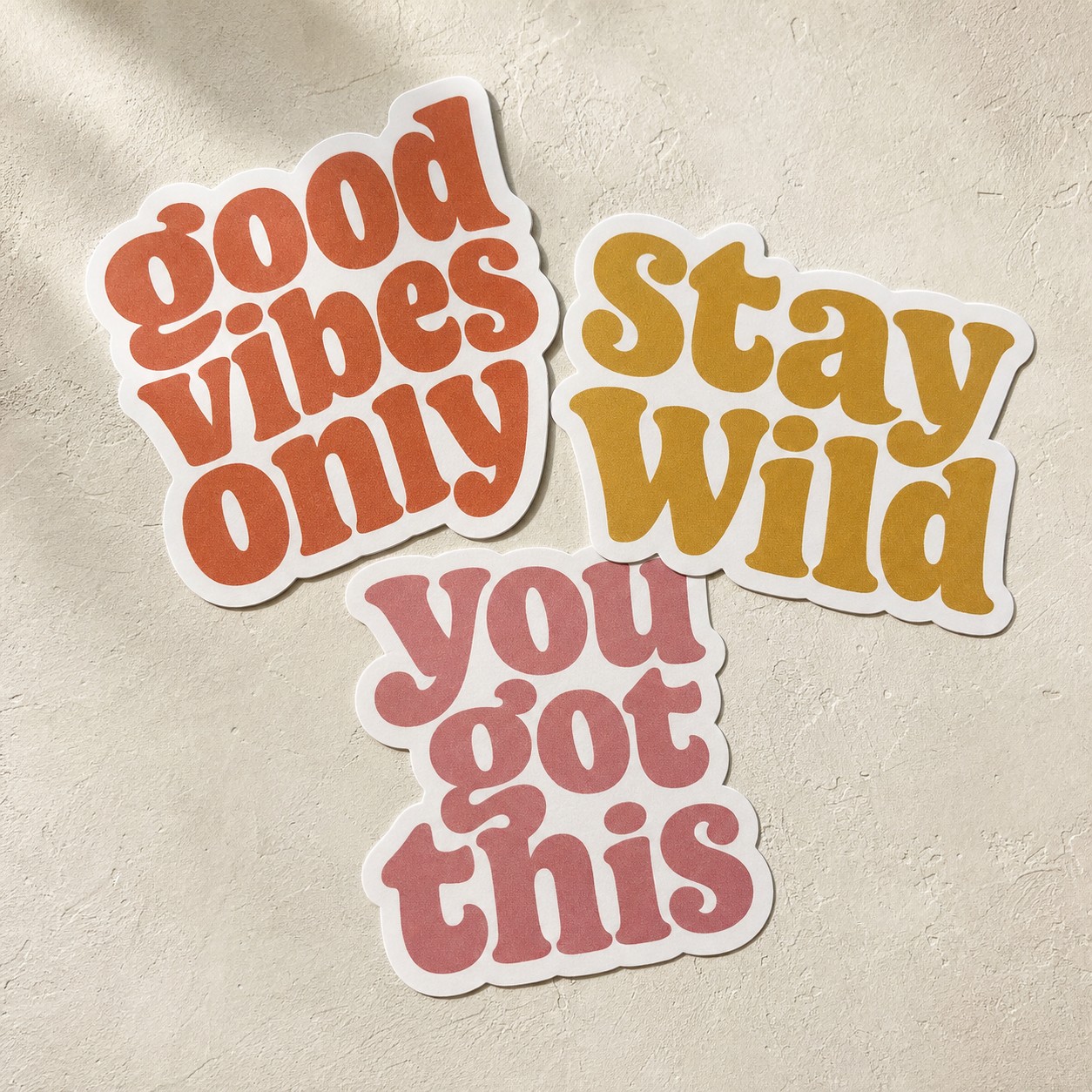
For a closer look at how the two cuts behave on a backing sheet and in a buyer’s hand, read the kiss cut vs die cut comparison.
White Gloss Sticker and White Matte Sticker are the paper-based stock choices on all three formats, and sticker sheets add Clear Sticker, a clear synthetic film. The finish choices are No Laminate, Matte Laminate, and Gloss Laminate. A matte or gloss laminate on paper stock adds scratch and splash protection. Laminated paper is water-resistant, not waterproof, because water gets in at the cut edge.
For bottles, laptops and outdoor gear, choose vinyl stickers. They come in White Matte Vinyl or Clear Vinyl, no laminate, contour cut to the outline, with a permanent low tack acrylic adhesive. The face is waterproof, carries a one-year outdoor guarantee and an expected life of 3 to 5 years with proper application, and is not dishwasher safe.
| Format | How it arrives | Stock choices | A good first product when |
|---|---|---|---|
| Die cut singles | Each sticker is its own separate piece, cut through the backing. | White Gloss Sticker, White Matte Sticker | You have one strong shape or character to sell as a solo item or a small set. |
| Kiss cut stickers | Each sticker stays on a flat backing sheet until it is peeled; the cut goes through the top sticker layer only. | White Gloss Sticker, White Matte Sticker | Buyers want to peel one sticker at a time from a neat sheet. |
| Sticker sheets | Mixed shapes and sizes share one sheet; each sticker is kiss cut through the top layer. | White Gloss Sticker, White Matte Sticker, Clear Sticker | You want a themed set presented as one product. |
Check the size before you print
Die cut and kiss cut stickers share preset sizes from 30 x 30 mm to 200 x 200 mm, including 30 x 100, 50 x 150, 60 x 60, 75 x 75, 75 x 200, 120 x 120 and 200 x 200 mm. Sticker sheets come in 105 x 148 mm (about 4.13 x 5.83 in), 148 x 210 mm (about 5.83 x 8.27 in) and 295 x 420 mm (about 11.61 x 16.54 in), or a custom sheet size.
Before you upload, print the design at 100 percent on plain paper, cut it out, and hold it where a buyer would stick it: a laptop lid, a water bottle, a planner page. The sticker size guide walks through those surface choices, but the paper test is the one that catches a sticker that is too small to read or too large to fit.
One sticker sheet is one layout, which can hold many different stickers. Two or more designs print on separate sheets unless you ask for them on the same sheet. When you plan a custom sticker sheet, treat that layout as its own single design.
Approve the proof and print a small first run
Paperlust prints your own artwork, but nothing prints until you approve a design proof. Every order, a reorder included, gets an emailed design proof. That checkpoint lets you confirm the cut line, the layout and the stock before production begins.
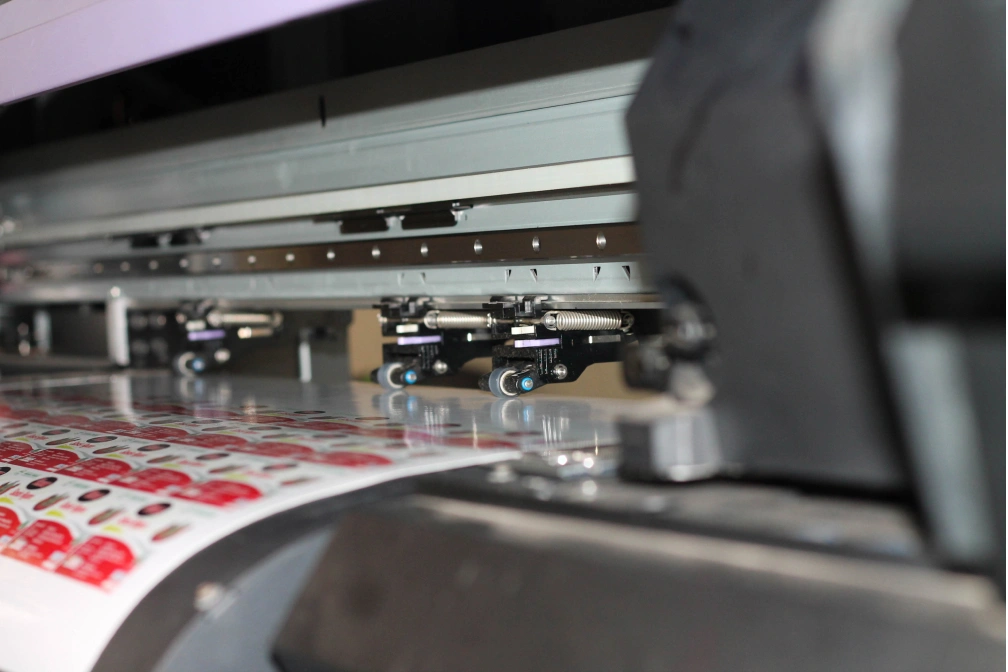
The minimum is 10 stickers per design. On sticker sheets the minimum is 10 sheets per design, and one order can carry up to five designs, each with its own minimum. You can run 10 of one die cut sticker design and 10 of another die cut sticker design in the same order.
A small first run across a few designs teaches you more than a large run of one. The designs that sell through become reorder candidates, and the rest can retire without tying up money in stock. There is also a sample pack with fixed contents, no artwork needed, printed on the same stocks and equipment as production orders, so you can compare stocks by hand before you choose.
Photograph the real stickers, not the mockup
When the printed order arrives, take the photos before the first sale. A mockup can show a concept, but it cannot show the real finish, the cut edge or the true size. A buyer deciding between two listings is looking for proof that the sticker exists as a physical object.
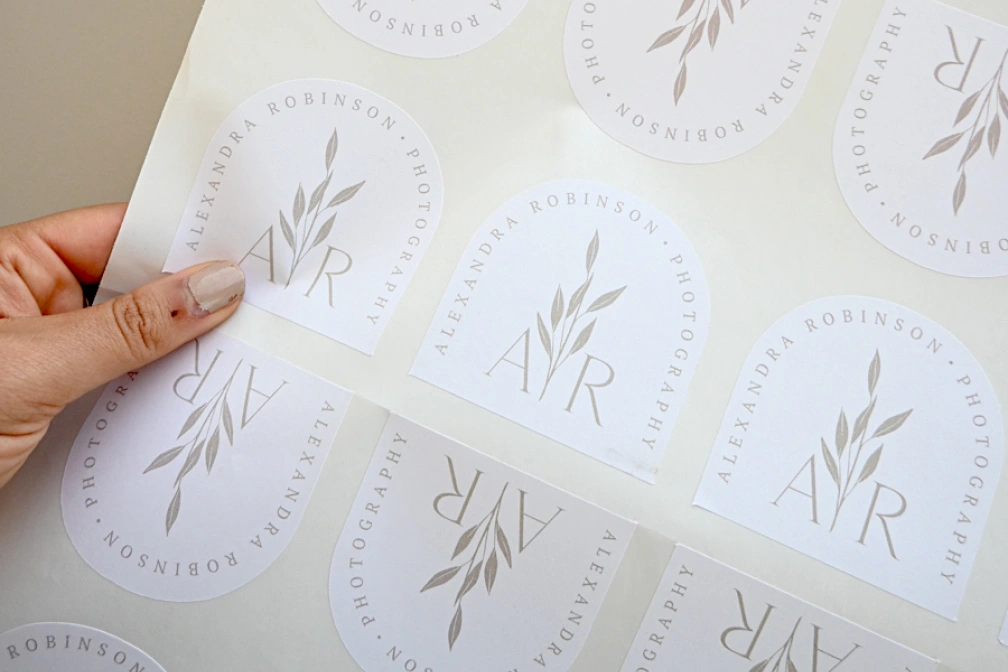
Set up near a window for daylight and keep the background plain. Put a hand or an everyday object in the frame for scale. Show a close shot of the cut edge and the finish, show the peel in action with the backing lifted, and photograph any sheets flat and square on. A curled or angled sheet hides the layout and reads as carelessness.
Build an honest Etsy listing
To sell stickers on Etsy, your listing has two jobs: tell a buyer what will arrive, and tell Etsy how the item is made. Give the size in millimeters and mark any inches as approximate. State the stock and finish, such as White Gloss Sticker with a matte laminate or Clear Sticker with No Laminate. State how the sticker is supplied: die cut single, kiss cut sticker on a backing sheet, or full sticker sheet.
Add a care line. Vinyl stickers are waterproof but not dishwasher safe. Laminated paper is water-resistant, not waterproof, because water can enter at the cut edge. That line helps set a buyer’s expectations before a paper sticker meets a water bottle.
Etsy asks sellers who use an outside printer to name that production partner in the shop and on the affected listings. You are the designer and the seller; the print shop that prints your own designs is the production partner. Fees and rules change, so before you list, read Etsy’s current seller policies and fee page.
Pack orders so stickers arrive flat
A rigid backing card in a clear sleeve inside a stiffened or board-backed mailer keeps stickers flat from your desk to the buyer’s mailbox. Kiss cut stickers and sheets travel flat on their own backing, but they still need that board so the mailer does not fold in transit.
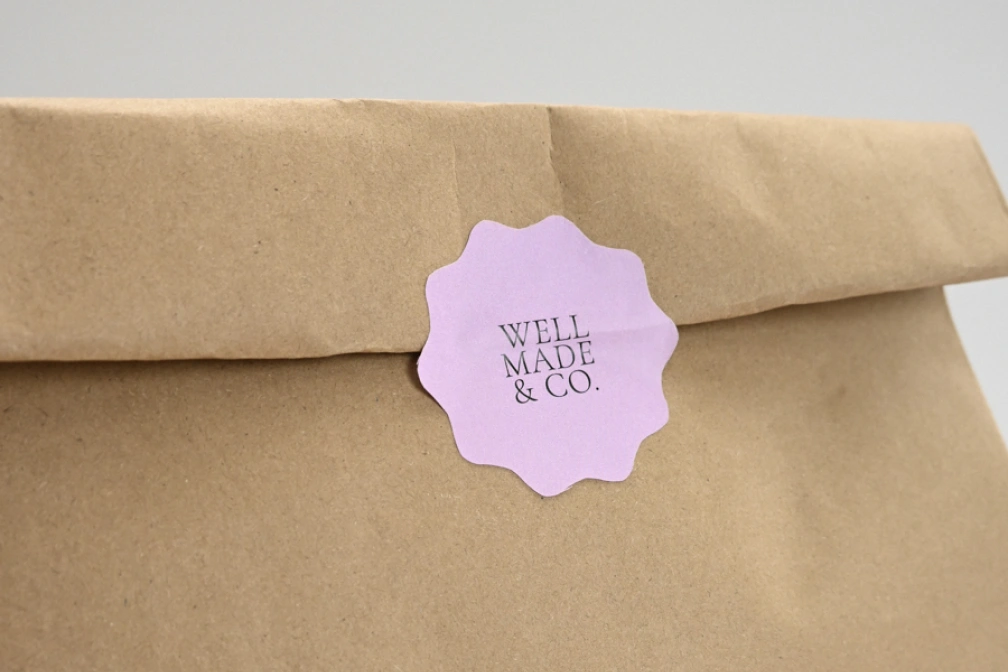
Add a short thank-you note or a care line in the parcel. Weigh one packed order before you set shipping rates, because the board, sleeve and envelope change the number on the scale.
Work out your costs before you reorder
Use the worksheet below to separate one-time guesses from repeatable costs. Add the lines per order and per sticker, check Etsy’s current fee page for each fee that applies to your listing, and only then decide on a price.
| Cost line | Where the number comes from | Your figure |
|---|---|---|
| Printing per design | From your own quote | Fill in |
| Shipping of your stickers to you | From the shipping method you choose | Fill in |
| Packaging per order | Backing boards, clear sleeves, mailers | Fill in |
| Marketplace listing fee | Etsy’s current fee page | Fill in |
| Transaction and payment processing fees | Etsy’s current fee page | Fill in |
| Advertising fees, if you use them | Etsy Ads or other channels you run | Fill in |
| Postage to your buyer | Current carrier rate for your packed order | Fill in |
| Your time per order | Packing, labeling, post office trips | Fill in |
Marketplace fees change, so the worksheet leaves blank lines for your own current figures instead of giving numbers. The same rule applies to postage: weigh a packed order and pull the current carrier rate rather than copying a figure from an old listing.
When a design sells through, use the Reorder button in your account to add the same artwork back to your cart. A reorder gets an emailed proof too, because the proof check applies on every order. Track which designs sell through before you reorder them, and retire the rest. Reordering the winners and dropping the rest is how the business becomes repeatable.
Frequently asked questions
How many stickers should I order when starting a sticker business?
A first order can be small. The minimum is 10 stickers per design, or 10 sheets per design on sticker sheets. One order can carry up to five designs, and each design has its own minimum. Start across a few designs rather than ordering a large run of one. Sell-through over the first few markets or listing weeks tells you what deserves a reorder.
Should I sell kiss cut or die cut stickers first?
It depends on how you want the buyer to hold them. Kiss cut stickers stay on a flat backing sheet until peeled, which suits sets and neat presentation. Die cut stickers are cut through the backing, so each sticker is its own separate piece. If you want a single strong character or a sticker someone can hand out, choose die cut. If you want a themed set, choose kiss cut.
Does Etsy require me to name my sticker production partner?
Yes. Etsy’s seller policies ask sellers who work with an outside business to produce their items to disclose that production partner in the shop and on the affected listings. The print shop that prints your own original designs is your production partner. You remain the designer. The disclosure keeps the listing clear about how the item is made.
Which stickers suit water bottles and laptops?
For water bottles and laptops, vinyl stickers are the strongest choice. The vinyl face is waterproof, and the sticker is contour cut to the outline of the artwork with a permanent low tack acrylic adhesive. One caveat: vinyl stickers are not dishwasher safe. Laminated paper can resist a splash but is water-resistant, not waterproof, so keep it away from heavy wear and washing.
How do I decide what to charge for stickers?
Start with a blank worksheet, not a fixed number. Add your printing cost per design, the shipping of stickers to you, packaging, Etsy’s current listing and transaction fees, payment processing, advertising if you use it, postage to your buyer, and your time per order. Then decide on a price. Marketplace fees change, so the worksheet leaves blank lines for your own current figures instead of giving numbers. Check Etsy’s own fee page before pricing.
Can I reorder the same sticker design later?
Yes. The Reorder button in your account adds the same artwork back to your cart. Because every order, a reorder included, gets an emailed design proof, you get one more checkpoint before anything prints. Reorder only the designs that show sell-through, and retire the rest instead of paying for stock that did not move.