A scented range looks simple on the shelf, but the label file turns complicated the moment two variants share a design. The front says blood orange, but the barcode next to it belongs to the mandarin jar. Planning labels for multiple scents and flavours starts with a simple rule: every scent, flavour, size and panel gets its own identifier and its own approved print file.
The label carries two jobs at once. It carries the brand, and it tells the buyer which jar they are holding. Organise the files around that split. Keep whatever is truly shared separate, and treat everything that changes as its own variant.
Treat every scent or flavour as its own variant
Separate the fields before you start. A logo, maker name and website are usually shared. A barcode, product identifier, net content, ingredient list or claim can change between scents, flavours and sizes. Do not treat the barcode as a common brand field unless you have confirmed and approved it as identical on every variant and panel in the order. Static claims should be checked per variant too, because a claim that is right for one formulation may be wrong for another.
When preparing the order, create one final approved print file for each variant and panel. A layered source file is an optional way to organise editable artwork, but it is not an upload requirement. The final print file normally combines all artwork into one file, so the proof shows the design as one piece.
File names that survive a busy season
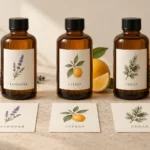
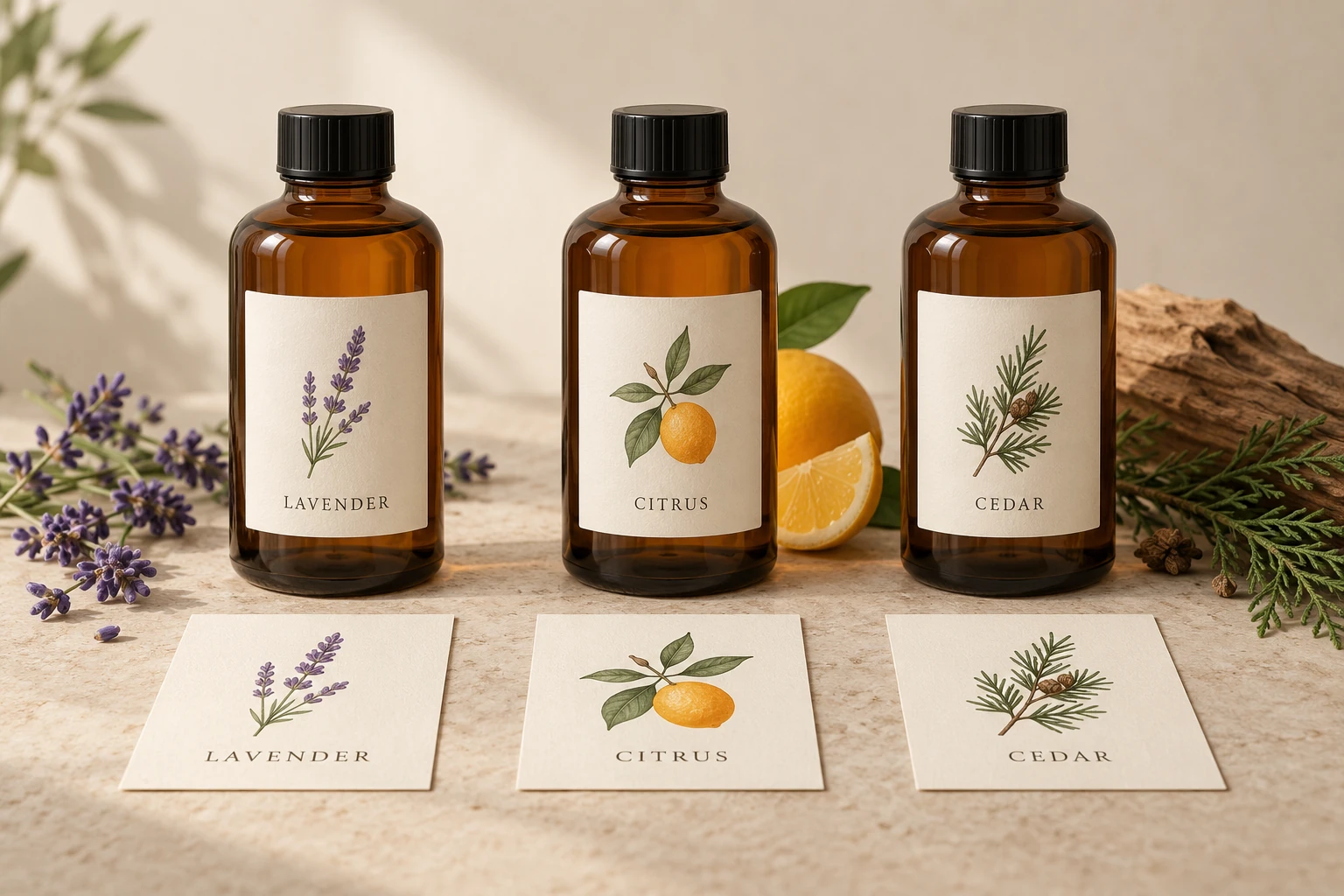
A file named final-label.pdf is the shortest route to the wrong proof. Give every scent, flavour, size and panel a unique identifier before upload. The identifier can separate brand, scent or flavour, panel and version. Proposed names such as scent-citrus-front-v01.pdf, scent-lavender-front-v01.pdf and scent-cedar-front-v01.pdf make the intent easy to read. These names are examples to show the pattern, not an existing customer order.
| Variant and panel | Proposed file name | Minimum quantity | Proof check |
|---|---|---|---|
| Citrus 50ml front | scent-citrus-front-v01.pdf | 500 | Scent name, barcode and net content 50ml |
| Lavender 50ml front | scent-lavender-front-v01.pdf | 500 | Scent name, barcode and net content 50ml |
| Cedar 50ml front | scent-cedar-front-v01.pdf | 500 | Scent name, barcode and net content 50ml |
In this hypothetical example, three front designs of 500 each total 1500 labels. That total meets each design’s own minimum. The 500 labels assigned to Citrus do not count toward Lavender, because each design has its own roll minimum. Price each configuration on the live product page or ask for a quote if the brief mixes sizes, stocks or finishes.
Keep a working matrix beyond the table
The table is the quick view. The working file should hold the fields that govern reorders: panel role, finished width and height in millimetres, shape, size, stock, finish, quantity, artwork version, proof status and the actual approved file name. Add the quote reference against the order.
A second panel or a second size becomes another row. If a 50ml bottle has a front and a back, the back is a second row. If the same range has a 100ml bottle, that is another row. Keep one row per file so no quantity is guessed.
On the Cosmetic and Skincare Labels page and the Honey and Jam Labels page, up to five designs can run in one order, each on its own roll. That allowance applies when the designs share the selected size, stock and finish. A different size, stock or finish is a separate configuration or order, or ask the team to confirm a mixed brief.
Packaging faces are not one label quantity
A container can have a front, a lid, a back or a wrap. Those are separate designs, not one label order. A single variant with a front and a lid on 500 jars is two designs: 500 front labels and 500 lid labels, total 1000 labels. Add a back and the order becomes 1500 labels across three designs. The minimum applies separately to each design and size.
For honey and jam jars that use a front, lid or wrap, the guide on honey and jam jar label layouts shows how each panel relates on the jar. Use it to decide how many files the order really needs, then put each panel on its own matrix row.
Fixed artwork variants are not variable data
The standard workflow prints fixed artwork variants. If Citrus is one file and Lavender is another, every Citrus jar receives the Citrus file and every Lavender jar receives the Lavender file. It does not automatically add a different batch code or serial number per unit. Automatic per-label variable data and serialisation are not part of the standard order. If each unit must carry a unique batch code, best-before date or sequence number, ask the team to confirm before finalising artwork.
Proof check before anything prints
Before you approve, work through the list. The digital proof checks layout, declared dimensions and text, not final colour, adhesion or how the stock feels. For exact document size, finished trim, safe area and bleed, follow the artwork instructions on the selected product page. If a template is not shown, ask for one that matches the size and shape you have chosen. The guide on sticker templates for businesses is a useful reference for document size, trim and bleed.
- Match every file name and variant identifier against its matrix row.
- Read the scent or flavour name, ingredient list and any changed claim from the proof.
- Check the barcode or product identifier against each variant and size, not just the top entry.
- Confirm net content on the proof matches the container in that row.
- Confirm the panel role: front, back, lid or wrap.
- Confirm the intended quantity is at least 500 per design and per size, not a combined total.
For cosmetic label planning around brand and ingredient blocks, see the guide on cosmetic and soap label printing.
Ordering and reorder control
On roll labels, choose the shape, size, stock, finish, number of designs and quantity, then upload the artwork for each design. You receive an emailed proof before anything prints. Standard roll-label production takes 48 hours after proof approval, separate from delivery.
After approval, store the approved file, version number and quote reference in a folder named by range and date. When a stockist reorders the same three scents next season, attach the approved files instead of hunting the last email. If a file is revised, save it as version two and mark the previous version superseded before upload.
For a quick reference on measuring an actual container before you commit to a size, see the guide on bottle and jar label sizing. That guide covers panels in more detail, but the same rule applies here: measure the real container, not a capacity printed on the jar.
Frequently asked questions
Can I put five scents into one roll-label order?
On the Cosmetic and Honey and Jam product pages, up to five designs can run in one order if they share the selected size, stock and finish. Each design prints on its own roll of 500. If any design needs a different size, stock or finish, separate the configuration or ask the team to confirm the mixed brief.
Do a front and a lid on 500 jars count as one design?
No. A front and a lid are two designs. For 500 jars, that means 500 front labels and 500 lid labels, total 1000 labels. The minimum applies separately to each design and size.
How do I check changed barcodes across scents and sizes?
Treat the barcode or product identifier as a variant field. Check it against the proof for each scent, flavour and size row. Do not reuse a barcode unless you have confirmed and approved it as identical on every affected variant and panel.
How do I name updated versions?
Keep one final approved print file per variant and panel. When you revise a file, save it as version two and mark the previous version superseded before upload. Keep the quote reference with the approved files so reorders use the correct version.
Does the proof confirm quantity for every file?
The proof checks layout, declared dimensions and text. You confirm the intended quantity is at least 500 per design and per size against your matrix before you approve. Production takes 48 hours after proof approval, separate from delivery.