
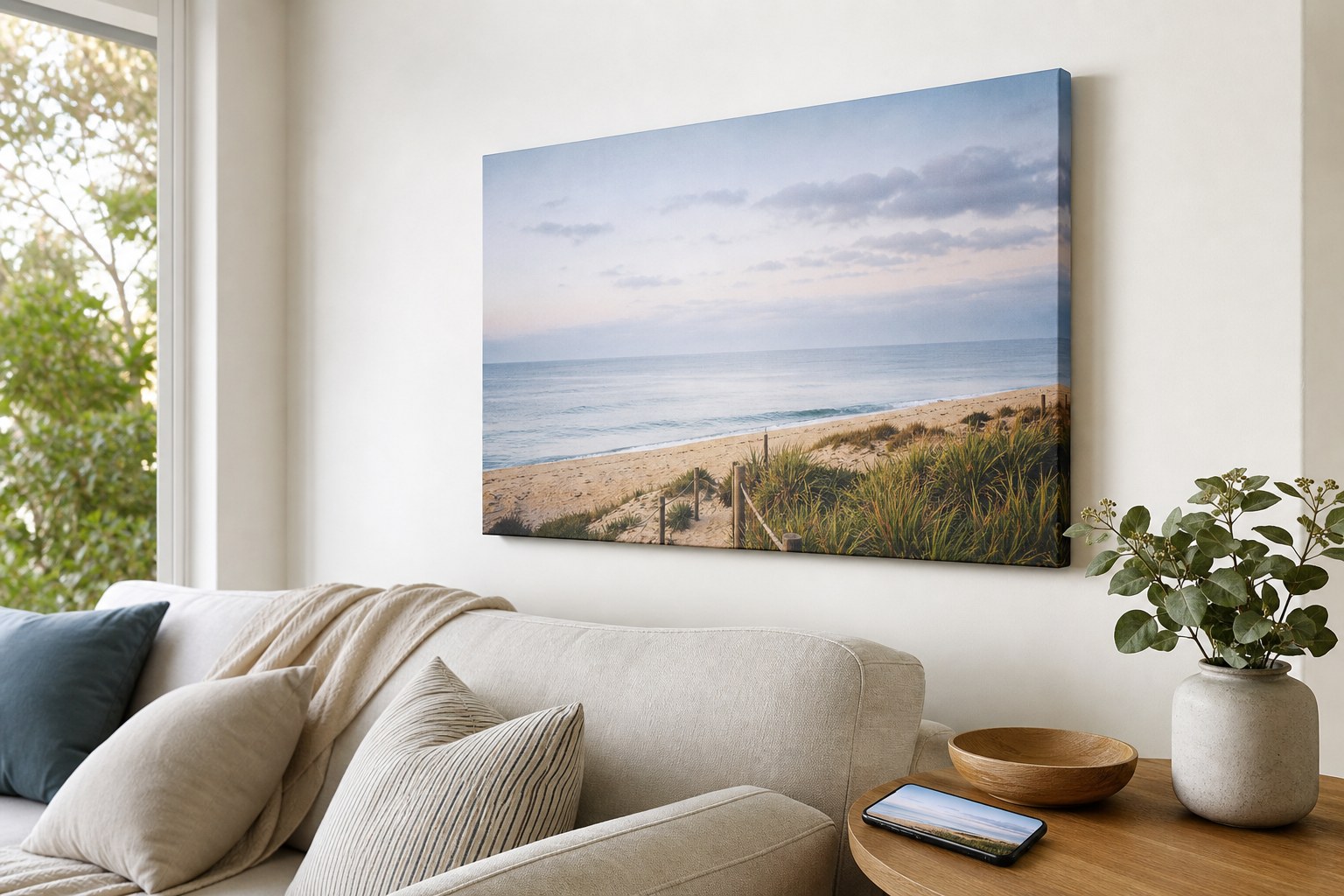
Most people ordering a photo print for the first time have the same worry: will it look sharp, or will it come out blurry? The answer comes down to resolution, measured in DPI (dots per inch), and the good news is that most modern smartphones take photos with plenty of detail for excellent wall art. Here is how to know for certain before you order.
At a Glance: Will Your Photo Print Sharp?
DPI in plain English: DPI stands for dots per inch. It tells you how many pixels are packed into each inch of your finished print. Higher DPI means more detail. For wall art viewed from a metre or two away, 150 DPI produces excellent results. For smaller framed prints viewed up close at a desk or shelf, 300 DPI is the ideal target.
| Camera type | Typical megapixels | Comfortable max canvas size | Comfortable max framed print size |
|---|---|---|---|
| Older smartphone (pre-2019) | 8-10 MP | Up to 40 x 55 cm | Up to A4 (21 x 30 cm) |
| Modern smartphone (2019 onward) | 12-16 MP | Up to 50 x 70 cm | A4 and A3 (up to 30 x 42 cm) |
| Flagship smartphone (iPhone Pro, Samsung Ultra) | 24-48 MP | 60 x 90 cm and larger | Up to A2 (42 x 59 cm) |
| DSLR or mirrorless camera | 24-45+ MP | 60 x 90 cm and larger | A2 and beyond |
Quick rules to keep in mind:
– Canvas prints: aim for 150 DPI at the intended print size. Larger wall art is viewed from further away, so the eye compensates naturally.
– Framed prints (A4, A3): 300 DPI is ideal. A modern smartphone handles this comfortably.
– For A2 framed prints: use your highest resolution file available.
What Is DPI and Why Does It Matter for Printing?
DPI stands for dots per inch. When your photo is sent to print, the printer converts millions of digital pixels into tiny dots of ink on paper or canvas. The more dots per inch, the finer the visible detail in the finished print.
Here is the key point that most guides skip: the right DPI depends heavily on how far away you stand to look at the print.
A large canvas hung on a wall is typically viewed from one to two metres away. At that distance, your eye naturally blends individual dots together, so 150 DPI produces a result that looks crisp and detailed. A smaller framed print on a desk or shelf is viewed at arm’s length, sometimes closer. At that distance, finer detail matters more, so 300 DPI is the ideal target for A4 and A3 framed prints.
This viewing-distance factor is why our canvas prints are designed around the 150 DPI standard, while our framed prints target 300 DPI for their smaller, close-view format.
For readers in the United States, the US shop offers framed prints for US delivery in A4, A3 and A2, portrait or landscape. Each arrives with the frame, fold-out stand and hanging hardware already fitted.
How to Check Your Photo’s Resolution
You do not need specialist software. Here is how to find your pixel dimensions on common devices.
On an iPhone
- Open the Photos app and select your photo.
- Swipe up to reveal the information panel below the image.
- The pixel dimensions appear in the details (for example: 4032 x 3024).
On an Android phone
- Open the Gallery or Photos app.
- Tap the info icon (i) or long-press the image.
- The pixel dimensions are listed in the details panel.
On a computer
Right-click the file and choose Properties (Windows) or Get Info (Mac). Look under the image dimensions listed in the details or More Info section.
Once you have the pixel dimensions, the calculation is straightforward:
Pixels divided by DPI gives you the maximum print size in inches. Multiply by 2.54 to convert to centimetres.
Example: A photo that is 4032 pixels wide, printed at 150 DPI: 4032 divided by 150 equals 26.9 inches, multiplied by 2.54 equals 68 cm wide. That comfortably covers a 50 x 70 cm canvas print.
Canvas Prints vs Framed Prints: Matching Your Photo to the Right Product
Our two wall art prints have different resolution requirements because they are built for different contexts.
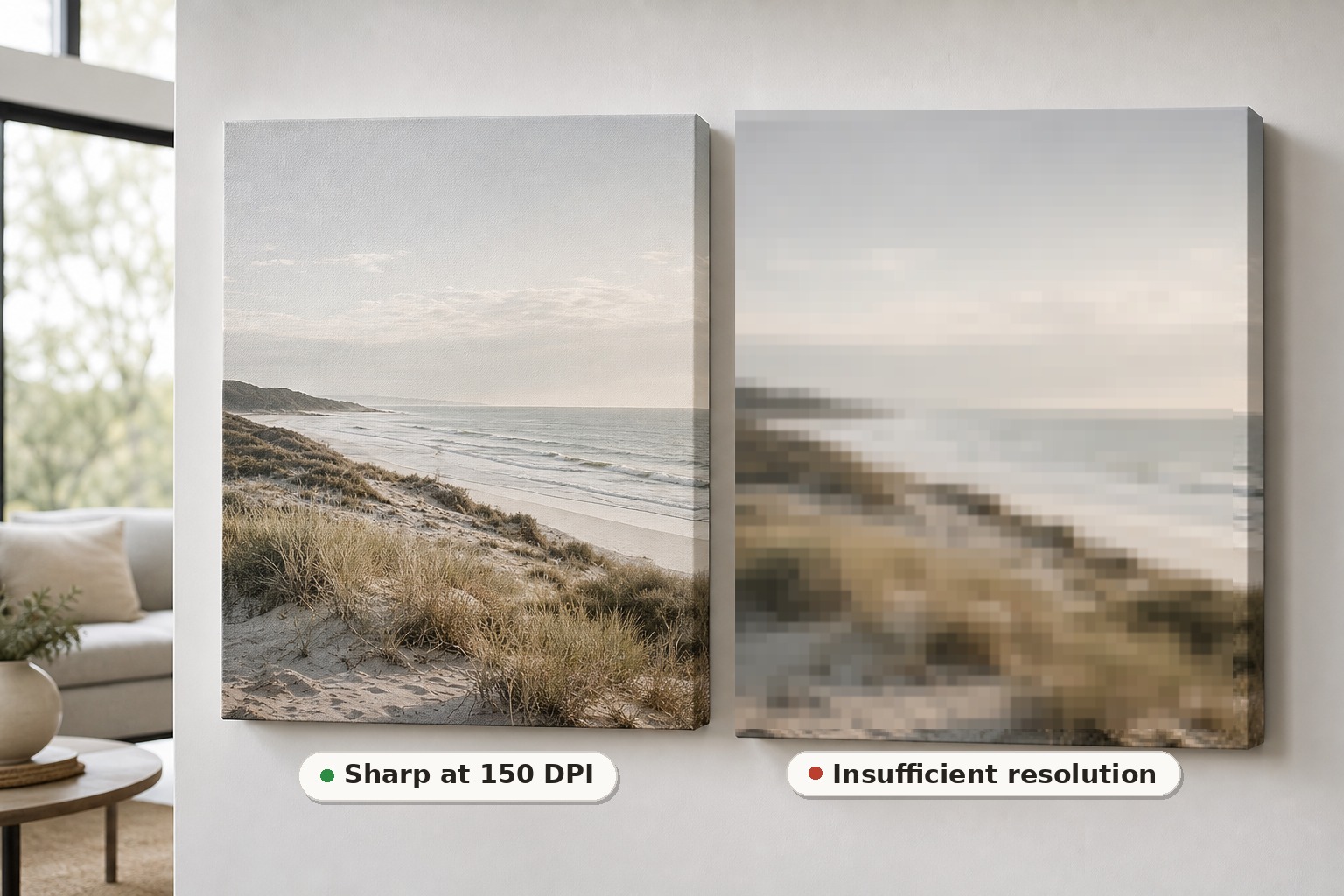
Canvas prints are intended for walls and viewed from a distance. The canvas texture itself softens ultra-fine pixel edges, and the natural viewing distance of one to two metres means 150 DPI produces a result that looks genuinely sharp and detailed. Most smartphones from the last five years carry enough pixel data for sizes up to 50 x 70 cm without any visible quality loss. For larger sizes such as 60 x 90 cm, a DSLR, mirrorless camera, or a flagship smartphone using its full-resolution sensor gives the sharpest outcome.
If you are in the United States, order custom canvas prints for US delivery in seven sizes from 30 x 30 cm to 60 x 90 cm, with gallery wrap, floating frame or classic frame.
Framed prints are displayed closer to eye level, often in smaller rooms where you pass by them at arm’s length or view them from a chair nearby. A file at 300 DPI is ideal for A4 and A3 sizes. A photo from a modern smartphone is usually sufficient for A4 and A3. For A2, use the highest resolution file you have.
We accept JPG, PNG, PDF and TIFF files. For framed prints, a JPEG, PNG or PDF at 300 dpi is the ideal starting point.
Why You Should Not Upscale a Low-Resolution Photo
Upscaling means increasing the pixel dimensions of an image in editing software before uploading it. It sounds like a logical fix, but it does not add any real detail. The software simply invents new pixels by averaging the ones already there. The result is a file that is larger in file size but not sharper in print.
The printed result always reflects the quality of the original image. Printing from an upscaled version of a low-resolution photo produces the same outcome as printing from the original: a soft or blurry result at the chosen size.
If your photo is borderline, the safe options are to print at a smaller size, or, for a truly important image such as a wedding or newborn photo, to have it professionally scanned at high resolution first.
Our File Review Process: You Will Not Fly Blind
Ordering a large print from a photo you love involves a degree of trust. Our approach removes the guesswork entirely.
Every file uploaded to Paperlust Print Shop is reviewed by our team before we go to print. If there is a quality concern with your image at the size you have chosen, we contact you before production begins. You will never receive a blurry print and discover the problem only when it arrives. We flag it first, give you the chance to supply a better file or adjust the size, and proceed only once you are satisfied.
Accepted File Formats
We accept the four most common file formats for photo printing:
- JPG (the standard format for phone photos and digital cameras)
- PNG (supports transparency where needed)
- PDF (ideal for files set up at print dimensions)
- TIFF (preferred by professional photographers; retains maximum detail)
If you are uploading a phone photo, JPG is perfectly fine. The quality difference between a JPG and TIFF from the same device is negligible for printing purposes, as long as the JPG was not heavily compressed when it was captured or edited.
FAQ
Can I print a photo from my phone?
Yes. Most smartphones from 2019 onward produce photos at 12 megapixels or higher, which is sufficient for canvas prints up to 50 x 70 cm and framed prints at A4 and A3 size. Flagship smartphones with 24 MP or higher sensors can comfortably print at A2 size and beyond on canvas. If you are unsure about your specific photo, upload the file and our team will review it before printing begins.
What DPI is best for printing photos?
It depends on the product and the viewing distance. For canvas prints, 150 DPI at the intended print size produces excellent results because canvas wall art is viewed from a distance. For framed prints at A4 and A3, 300 DPI is the ideal target. The difference between 150 DPI and 300 DPI is not noticeable at normal wall-art viewing distances: your eye does the compensating automatically.
How many megapixels do I need to print at A2 or 60 x 90 cm?
For a canvas print at 60 x 90 cm, a 24 MP camera (such as a DSLR, mirrorless camera, or a flagship smartphone set to full resolution) produces a sharp result at 150 DPI. For a framed print at A2 size (42 x 59 cm) at 300 DPI, you need approximately 35 MP of pixel data. For A2 framed prints, we recommend using the highest resolution file you have, and our team will advise you on the best outcome if your file falls short of the ideal.
What happens if my photo is low resolution?
If you upload a file that may not print cleanly at your chosen size, our team will contact you before production begins. We will explain exactly what the concern is and offer you options: supply a higher resolution file, choose a smaller print size, or proceed with the original file if you accept the outcome. You will not receive a print with a known quality issue without being informed in advance.
Does the orientation of my photo matter?
Yes. The orientation of your photo determines which print sizes work best. A landscape-orientation photo (wider than it is tall) suits a horizontal canvas or frame. A portrait-orientation photo (taller than it is wide) suits a vertical layout. The resolution calculation is the same either way: divide the pixel dimension of each edge by the target DPI to get the print size in inches, then multiply by 2.54 for centimetres.