Picking the wrong printer is one of those mistakes that only reveals itself when the box arrives. Colour that has drifted, edges that are not clean, no real recourse when you follow up. This checklist gives you seven concrete checks to run before you commit to any printer, so you walk away with business cards that genuinely represent your brand.
- Proof process: insist on a free digital proof, with at least one revision round included, before production starts.
- Finish and stock range: confirm the printer actually offers your required finish (spot UV, foil, duplex, Scodix) and paper weight (350-700 gsm).
- Minimums and reordering: check the minimum quantity per finish, confirm volume pricing breaks, and ask if artwork is kept on file.
- Turnaround and delivery: get production time and transit time as separate figures; confirm flat-rate tracked delivery Australia-wide.
- File setup support: look for published specs, free downloadable templates, and a free pre-press file check on every order.
- Reprint policy: a documented guarantee with clear scope beats a vague “satisfaction pledge.”
- Reviews and samples: verify independently on Google and Trustpilot; order a physical sample pack before a large run.
Check 1: What does the proof process look like?
The proof stage is your last line of defence before ink hits stock. A printer who goes straight to press without issuing a proof is transferring all the risk to you: any layout error, colour shift, or file issue becomes your problem.
What to ask before ordering
- Is a digital proof included at no extra cost?
- How many revision rounds are included before production starts?
- How quickly will the proof be delivered after artwork approval?
A well-run AU print shop will issue a digital proof within 24-48 hours of receiving your artwork, and include at least one revision round at no charge. For premium finishes such as raised foil or Scodix, production lead times are longer, but the proof turnaround itself should still be fast.
Red flag to watch for: any printer that charges per revision on a standard order, or cannot give you a clear proof timeline, is worth approaching with caution.
Paperlust Print Shop provides a free digital proof on every order. Production does not start until you have approved it, which means the clock runs in your favour.
Check 2: Do they stock the finishes and paper weights you actually need?
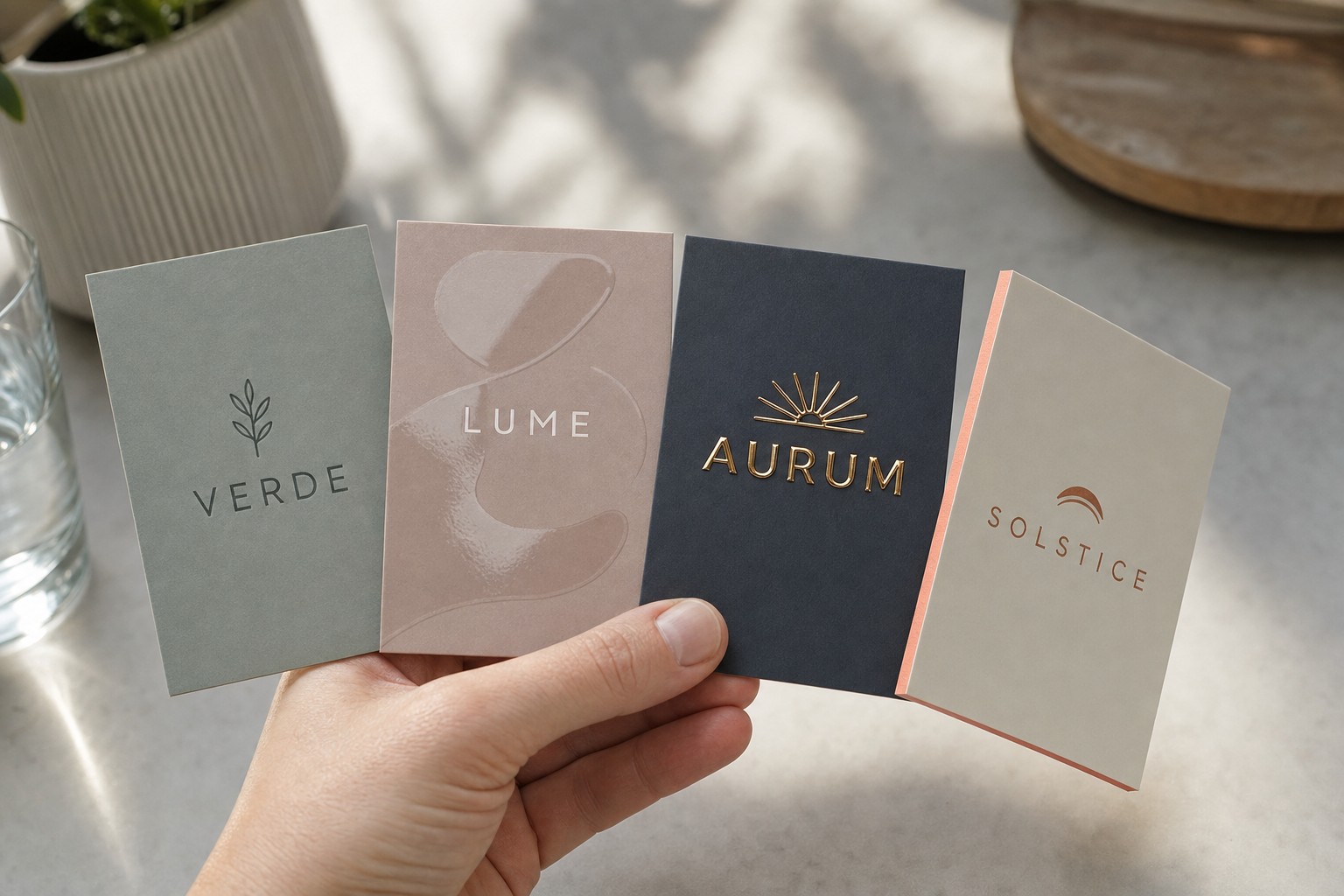
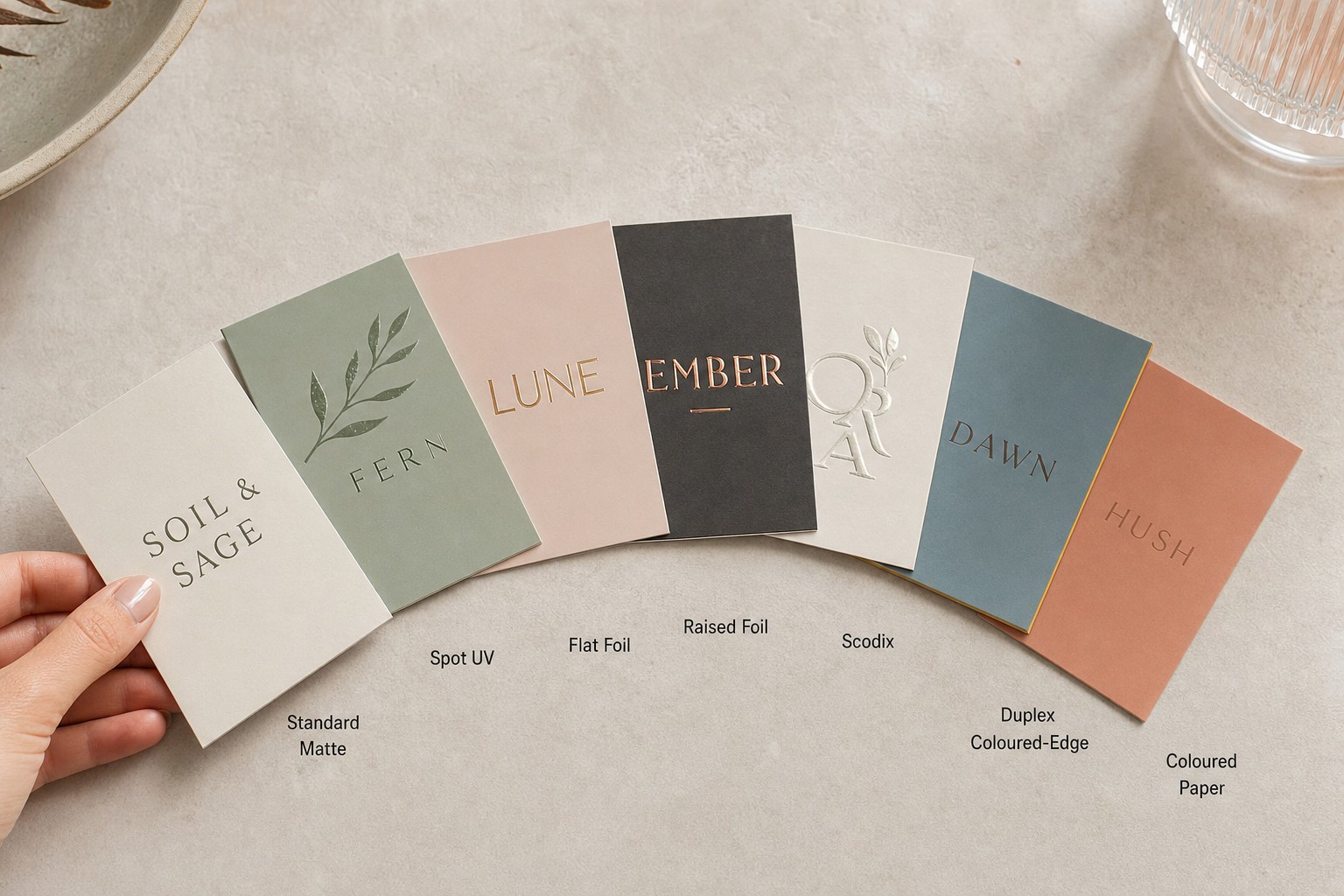
Not every printer offers every finish. A shop that only runs standard digital jobs cannot produce duplex cards or Scodix, so confirming the finish range before you build a supplier relationship saves time later.
Finish options available from a full-range AU printer
| Finish | What it delivers | Typical weight | Production add-time |
|---|---|---|---|
| Standard digital | Full-colour, high-volume workhorse | 350 gsm | 24-48 hrs |
| Coloured paper | Through-dyed stock with matching coloured edge | 350-400 gsm | 24-48 hrs |
| Flat foil | Mirror-bright metallic film flush with the card surface | 350-400 gsm | 24-48 hrs |
| Spot UV | Selective high-gloss coating over chosen design areas | 350-400 gsm | +1-2 days |
| Raised foil | Metallic film lifted on a polymer dome for tactile depth | 400 gsm | +2-3 days |
| Scodix | Dimensional raised polymer emboss on selected areas | 400 gsm | +2-3 days |
| Duplex | Two stocks bonded together with a visible coloured edge stripe | 600-700 gsm | +1 day |
Beyond finishes, check the paper weight range. A 350 gsm card is a solid everyday option; 400 gsm suits premium finishes and leaves a better first impression; 600-700 gsm duplex is the heaviest tactile option in standard commercial printing. If sustainability is important to your brand, check whether the printer holds FSC certification and offers recycled stock.
The custom business cards range at Paperlust Print Shop covers all seven finishes, with FSC-certified and recycled stock available across most products.
Check 3: What are the minimums, and how easy is reordering?
Minimum order quantities differ significantly between printers. Some AU suppliers require 250 cards before they will run a job; others accept runs of 50, which is useful when you are testing a new design or starting out and do not want to over-commit to a batch.
Questions to ask before committing
- What is the minimum quantity for each finish type?
- At what quantities do volume pricing breaks apply?
- Does the printer keep your artwork on file for reorders, or do you re-upload every time?
Volume pricing matters because the per-card cost drops sharply as quantity increases. Pricing breaks typically kick in at 250, 500, 1,000, and 2,500 units. Knowing your typical annual volume helps you work out whether it makes more sense to order the full year’s supply at once or reorder in smaller batches.
If you are ordering for the first time or refining a design, starting with a smaller run is sensible. Once the design and finish are confirmed, a larger reorder will reduce the per-card cost considerably.
Check 4: What is the actual turnaround, and can they deliver reliably across Australia?
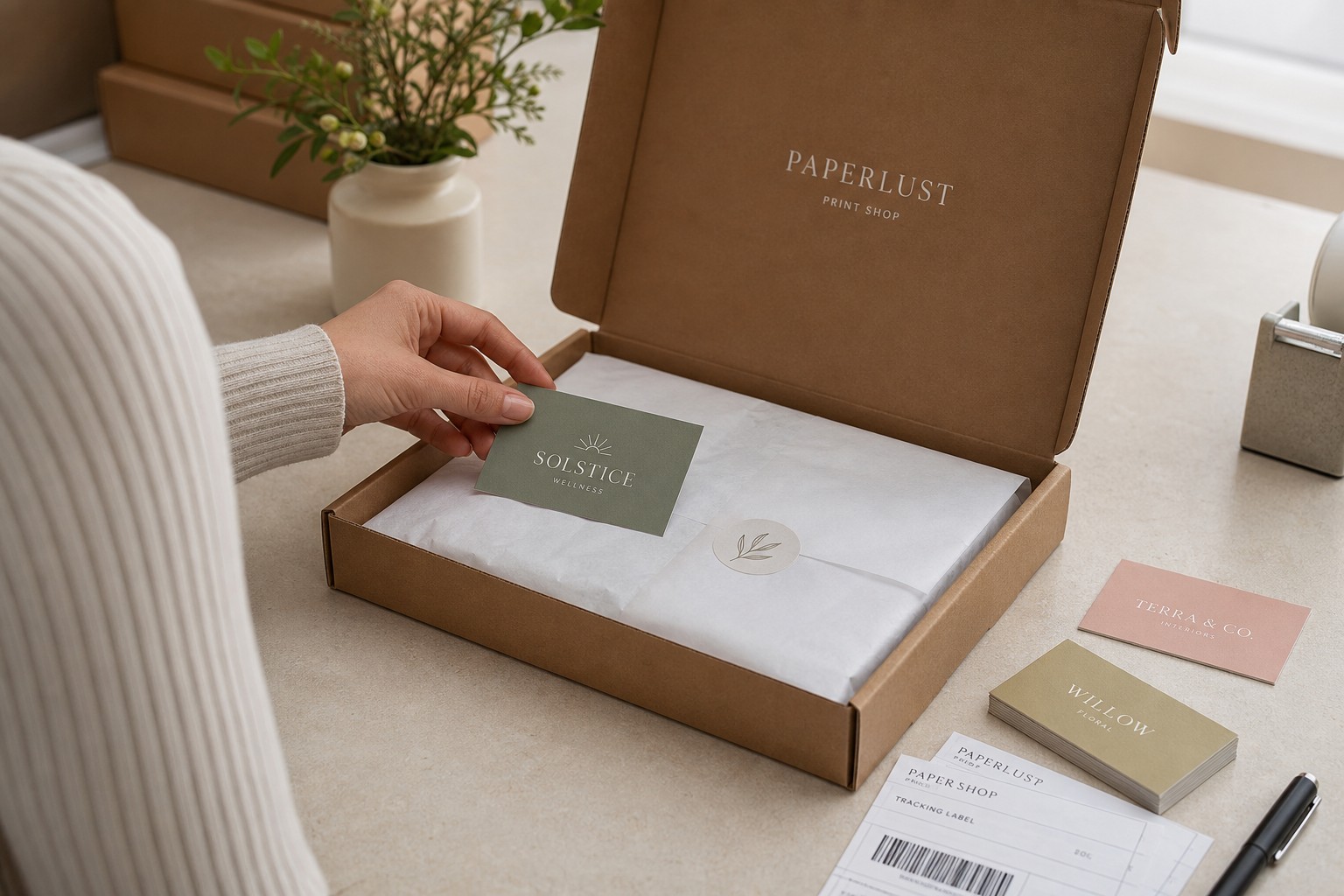
This is the check most buyers overlook, and it causes the most frustration after ordering. There are two separate timeframes to understand:
1. Production time: from artwork approval to cards printed and ready for dispatch. 2. Transit time: from dispatch to your address.
A printer quoting “3-4 business days” may mean production only, or it may include transit. Ask explicitly.
What a reliable AU print shop should offer
- Clear separation of production and transit timelines, not a combined figure that obscures one or both.
- Standard digital production in 24-48 hours after artwork approval.
- Rush turnaround options for conference deadlines or last-minute needs.
- Flat-rate tracked shipping to all Australian states and territories, including regional locations, not just metro centres.
For standard business cards, production at Paperlust Print Shop runs 24-48 hours after artwork approval. Premium finishes add production time as outlined in the table above. Delivery is flat-rate and tracked, Australia-wide.
Check 5: Do they provide file templates, pre-press checks, and artwork support?
A printer that sends your job straight to press without checking the file is not protecting your order. Missing bleed, wrong colour mode, low-resolution images, and un-outlined fonts all survive undetected without a pre-press review, and the error shows up on your finished cards.
The standard file specifications to look for, published clearly on the printer’s website
- File formats: AI, EPS, PDF (press-ready preferred), SVG, PNG, TIFF
- Resolution: 300 dpi minimum for raster elements
- Colour mode: CMYK, not RGB (RGB is converted at press, and the result is unpredictable)
- Bleed: 3 mm on all sides
- Safe zone: 4 mm minimum from trim line for text and critical content
- Fonts: outlined in the supplied file, not embedded
A printer that publishes these specifications clearly, provides downloadable templates for each card size and format, and runs a free pre-press check on every file before approval is significantly lower risk than one that simply accepts your order and sends it to press.
If your artwork is not print-ready, in-house design services are a practical add-on. Paperlust Print Shop offers both design support and a free pre-press file check on every order. Duplex business cards and all other products include free two-sided printing and a full file review before the job starts.
Check 6: What happens if the colour is off or there is a production fault?
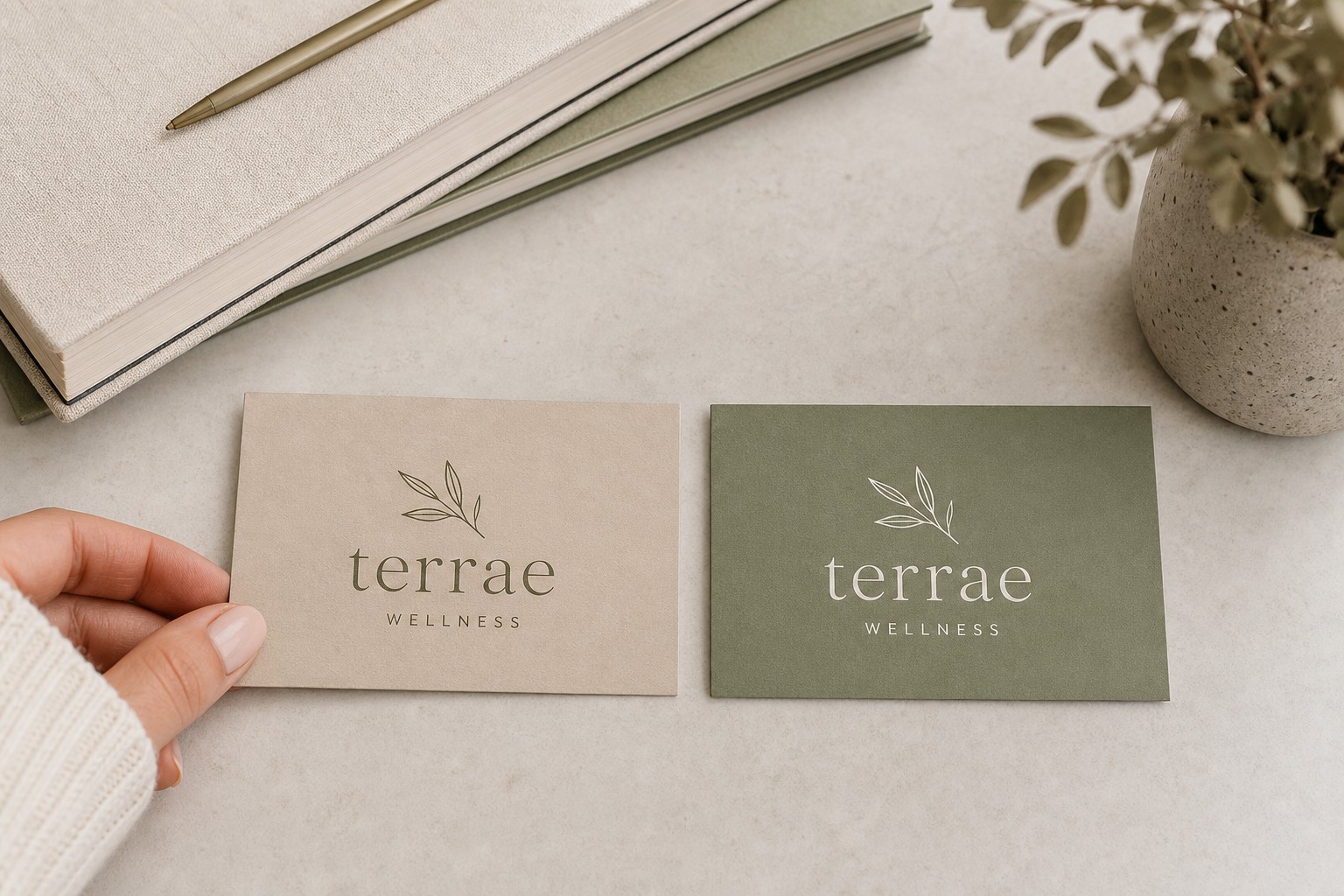
Colour drift between screen and press is the most common complaint in business card printing. Proofing reduces the risk, but it does not eliminate every outcome. What matters is what the printer does when something goes wrong.
What a solid reprint or remake policy looks like
- Documented and accessible: the policy is on the website, not buried in fine print.
- Scope-specific: it distinguishes between printer error (colour drift, mis-trim, quality fault) and customer error (incorrect file, an approved proof that contained the mistake).
- Clear remedy: states whether the outcome is a reprint, a refund, or store credit, and how quickly the process runs.
Watch out for: printers that use vague language such as “contact us if you are not satisfied” with no further detail on what happens next. A “100% satisfaction guarantee” means nothing if the claims process is opaque.
Paperlust Print Shop backs every order with a 100% Print Guarantee. If there is a quality fault on the printer’s end, they reprint or refund.
Check 7: Can you verify their reviews and order a sample before committing?
A reputable printer is easy to verify independently. Check Google Reviews and Trustpilot separately from the printer’s own website. Pay attention to how they respond to critical reviews, not just how many five-star ratings they have accumulated.
For a large order or an ongoing supplier relationship, ordering a physical sample pack before committing to a full run is worth the extra step. A sample lets you assess:
- Colour accuracy: does it match your brand standards in real-world lighting?
- Card feel: is the weight and texture what you expected at this gsm?
- Edge quality: are the cuts clean, with no ragged fibres or mis-trims?
- Finish consistency: on spot UV or foil cards, is the coating even across the full surface?
Paperlust Print Shop provides physical sample packs on request. With a 4.9/5 rating across Google, Trustpilot, and ResellerRatings, their track record is independently verifiable.
Your Printer Selection Checklist
- [ ] Proof process: free digital proof included, revision rounds stated, turnaround confirmed
- [ ] Finish range: printer offers exactly the finish(es) I need, paper weight options verified
- [ ] Minimums and reordering: minimum quantity suits current needs; volume pricing breaks noted; artwork kept on file for reorders
- [ ] Turnaround: production time and transit time confirmed separately; rush option available if needed
- [ ] File setup support: printer publishes CMYK, bleed, and safe-zone specs; free pre-press check confirmed
- [ ] Reprint policy: documented guarantee with clear scope (printer error vs customer error) and stated remedy
- [ ] Reviews and samples: checked Google and Trustpilot independently; sample pack ordered before a large run
Related reading:
- How to Choose the Right Business Cards for Your Profession – choosing the card format and finish that suits your industry
- Custom Business Cards Australia Guide – finishes, specs, sizing, and AU delivery explained
- Business Cards Design Guide – design principles and file setup for print-ready artwork
Frequently Asked Questions
What is the standard business card size in Australia?
The standard Australian business card size is 90 mm x 55 mm (3.54 in x 2.17 in). This fits neatly into wallets, cardholders, and standard scanners. Common alternatives include square (55 mm x 55 mm), mini (85 mm x 30 mm), and slim (90 mm x 40 mm). Most specialist printers also accept custom sizes on request.
How long does business card printing take in Australia?
For standard digital, flat foil, and coloured paper business cards, expect 24-48 hours production time after artwork approval. Spot UV adds 1-2 production days; raised foil, Scodix, and duplex add 2-3 days. Add transit time on top: typically 1-2 business days to major cities, slightly longer to regional addresses. Always confirm both figures separately so your deadline calculation is accurate.
What file format should I supply to a business card printer?
Most AU printers prefer a press-ready PDF, AI, or EPS file. PNG and TIFF are accepted at 300 dpi minimum. Set your file to CMYK colour mode, include 3 mm bleed on all sides, keep critical content at least 4 mm from the trim line, and outline all fonts before saving. Check your specific printer’s published specifications before submitting.
Can I order a small quantity of business cards in Australia?
Yes. Many Australian specialist printers accept small runs, though the per-card cost is higher at low quantities. Volume pricing breaks typically kick in at 250, 500, 1,000, and 2,500 units. If you are testing a new design or running a limited event, a smaller initial order is sensible. Once the design is confirmed, ordering a larger batch reduces the per-card cost substantially.
What should a business card printer’s reprint policy cover?
A solid reprint policy should specify: (1) what qualifies as a printer error versus a customer error; (2) the process for submitting a claim; and (3) whether the remedy is a reprint, a refund, or credit. Avoid printers whose policy only says “contact us if you are unhappy” with no further detail. Look for a documented guarantee with a clear, accessible claims process.