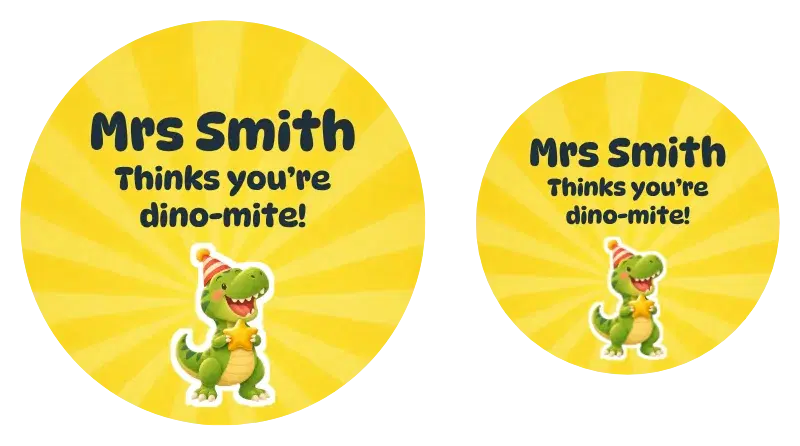
Dino-mite
All of our kids label designs sit in one gallery, and every tile redraws with your child's name once you type it in. Settle on a look, then decide which product carries it, whether that is kids name labels for school and daycare or kids stickers for books and drink bottles.

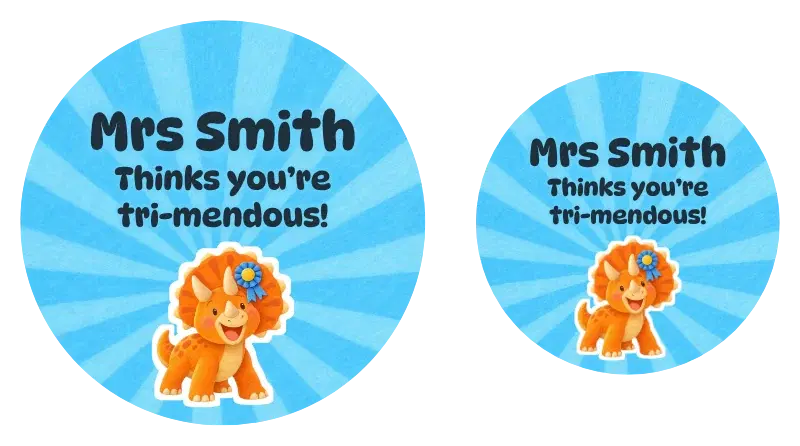
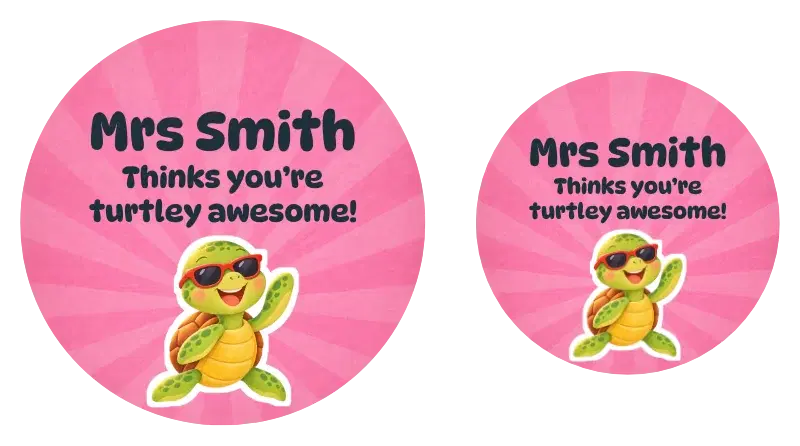
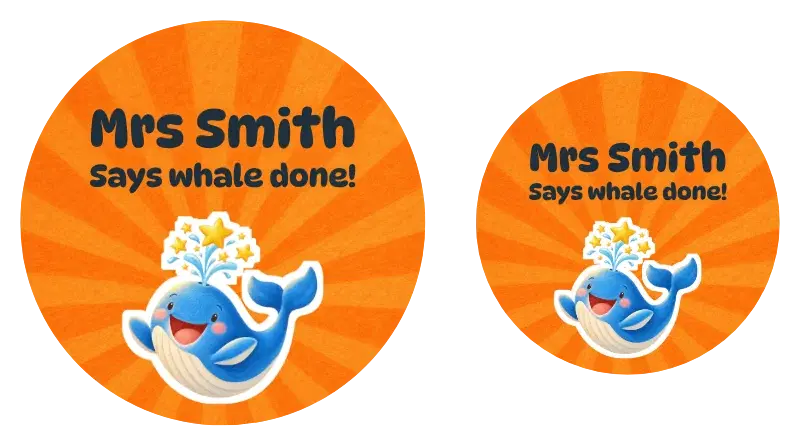
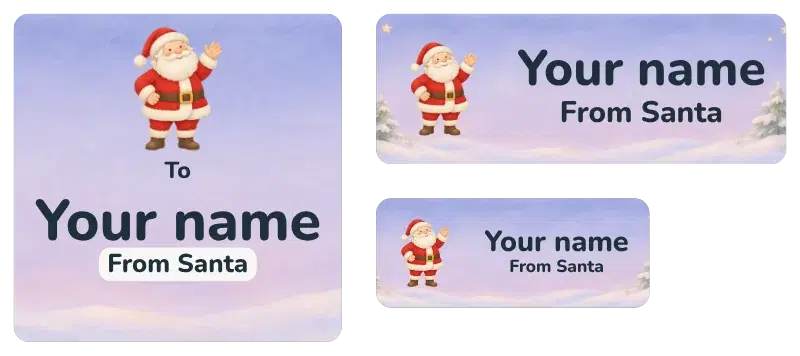
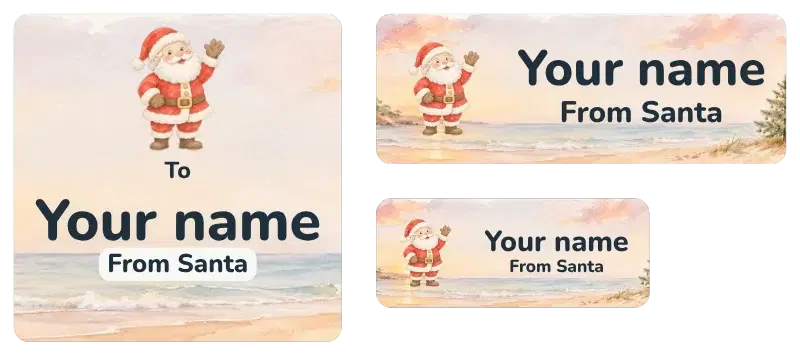
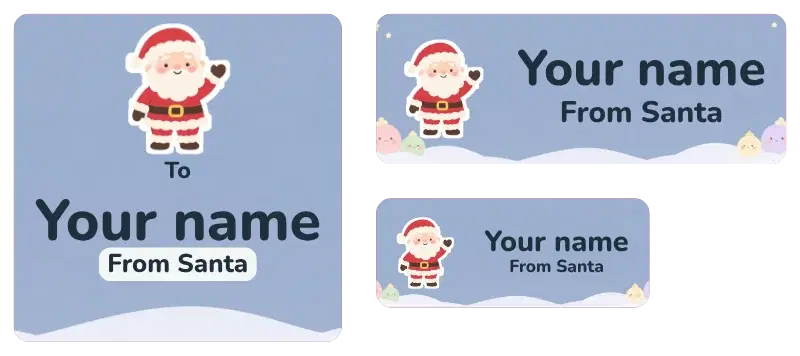
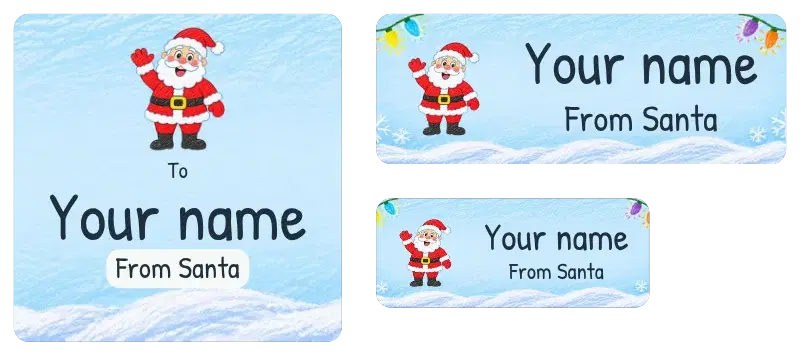
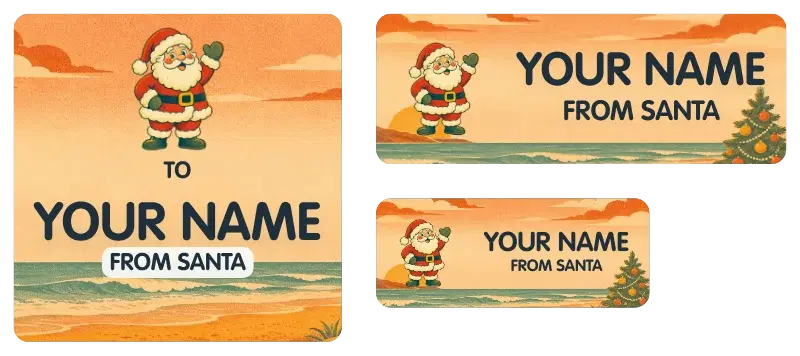
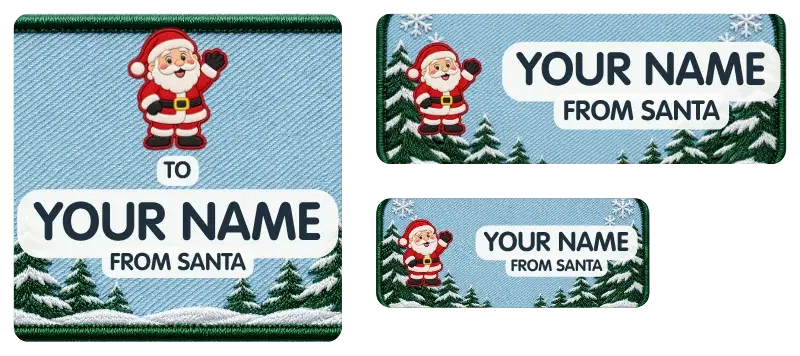
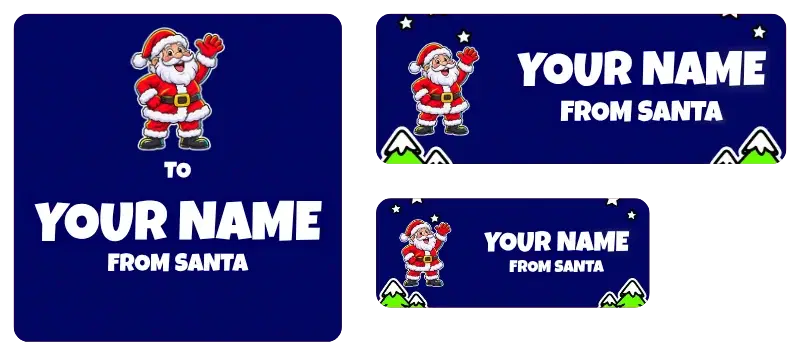
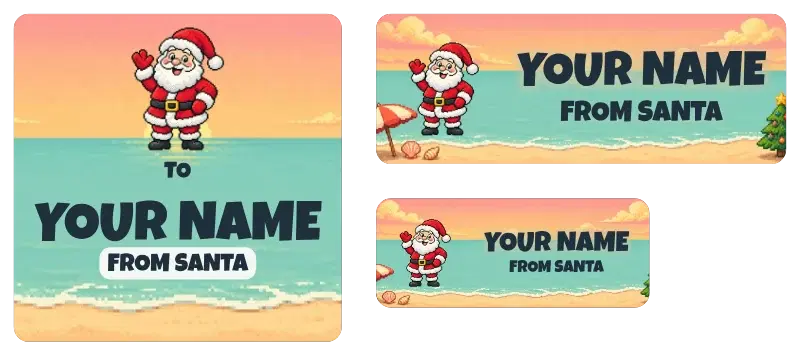
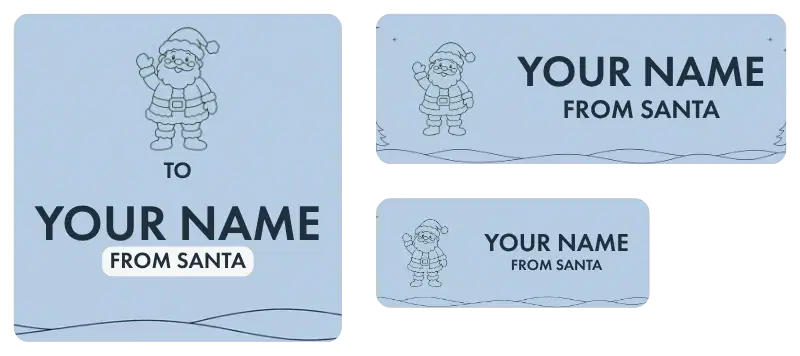
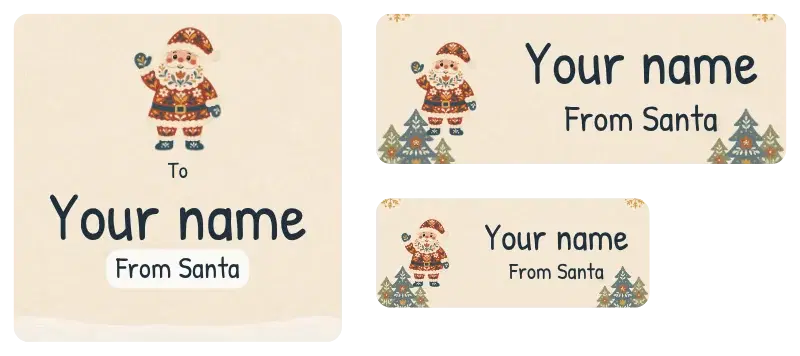
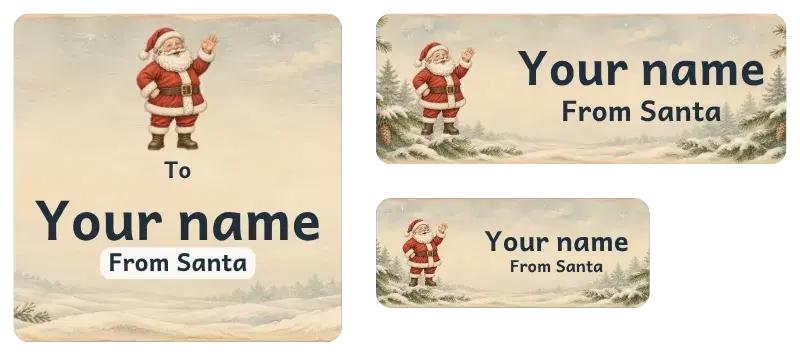
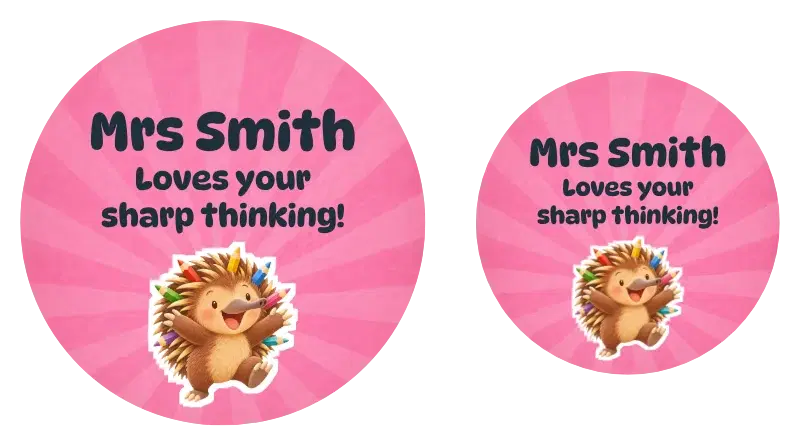
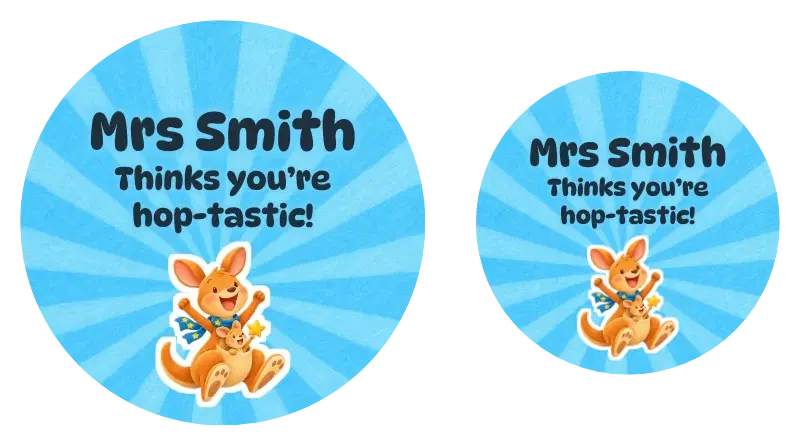
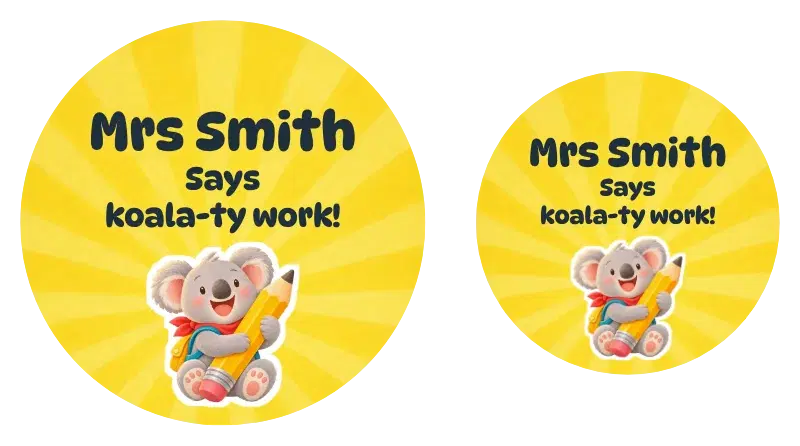
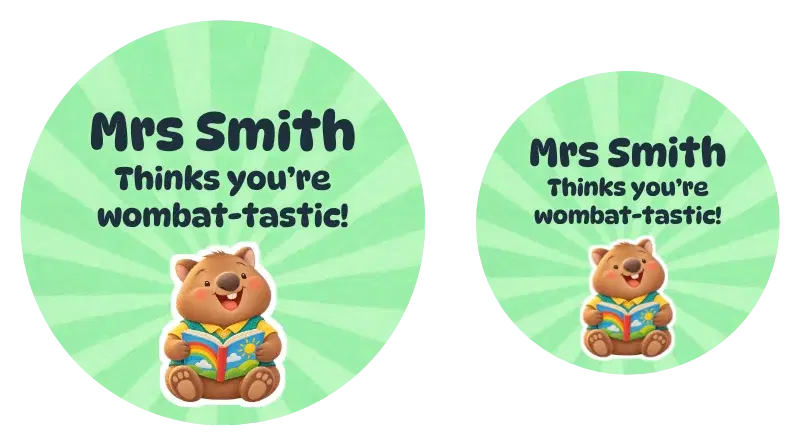
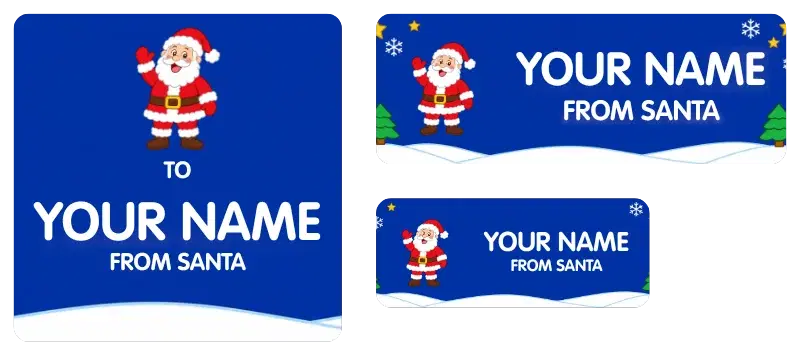
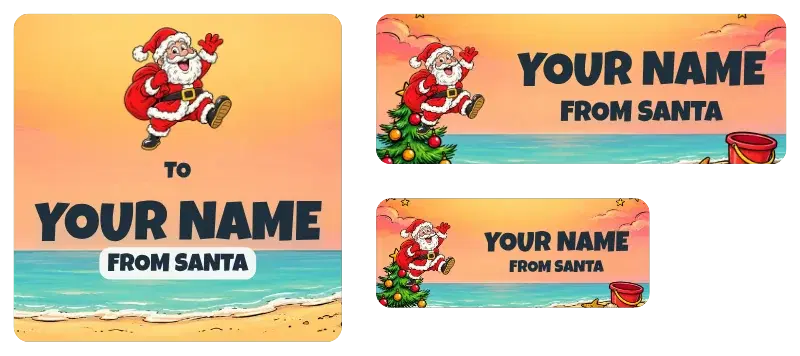
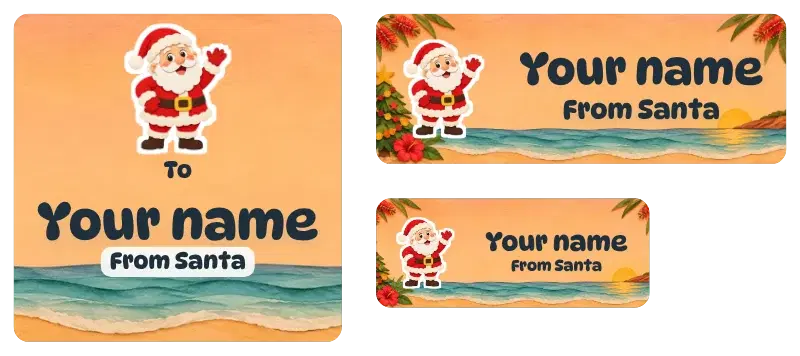
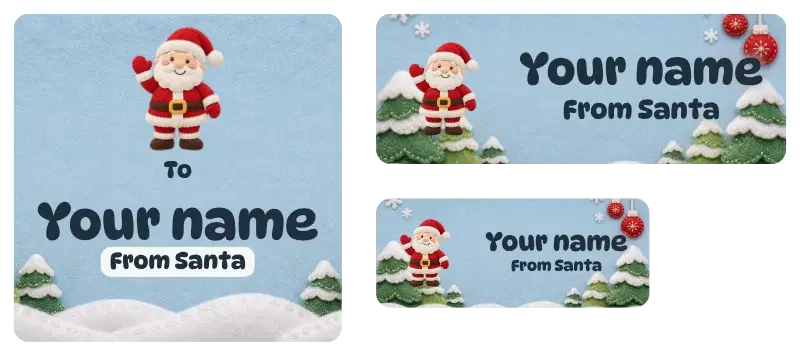
Showing designs 433 to 455 of 455
You’ve seen all 455 designs
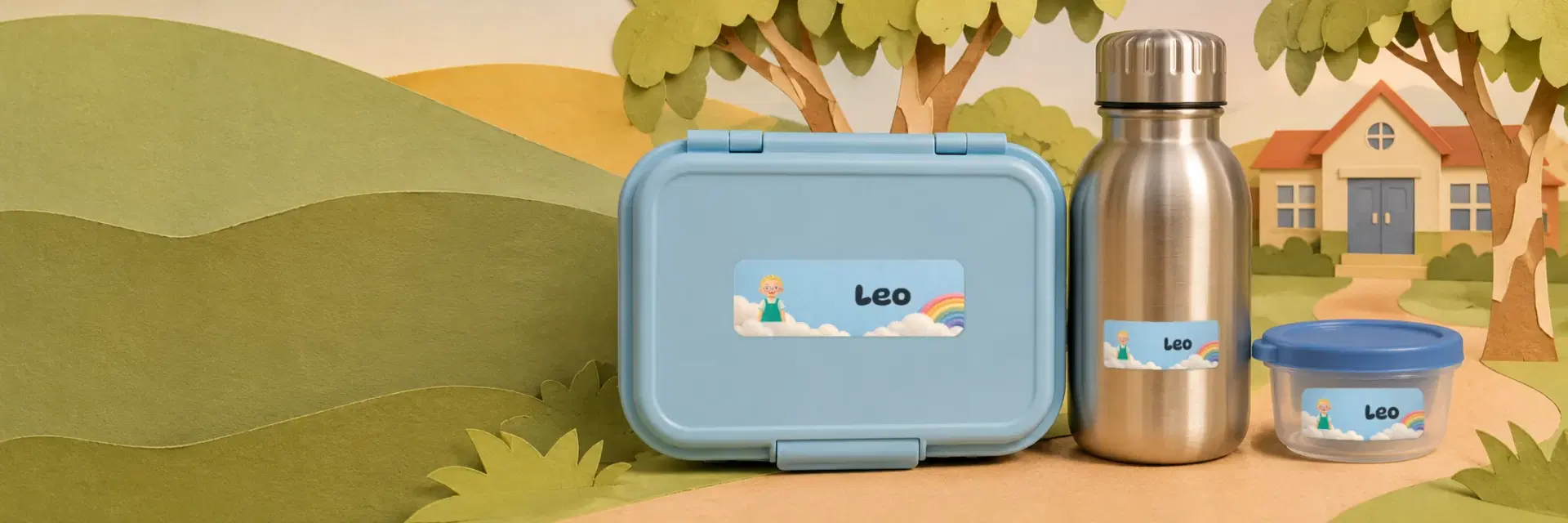
Type the name once, pick the design they love, and we print exactly what you see. One sheet covers the lunch box, drink bottle, pencils, books and shoes.
Type your child's name into the name box once. The gallery then updates so every tile shows that name, which makes comparing designs much quicker. The name stays on your device and is never added to the web address.
The next step is deciding which product carries that design. Options include School Labels, Daycare Labels, Name Stickers, teacher stickers and party stickers. When the product page opens, the design is already chosen for you, so there is nothing to hunt for. The chips along the top also let you jump straight into one product's own gallery.
Every design is available in three colourways. You also pick from a range of fonts and pictures, so you can match the look to your child. Make a change and the preview updates using the same fitting rule as the print file, which means what you see is what we print.
Long names are scaled to suit each label size, using the same matching the print file relies on, so the preview shows how the name will sit. Study it at the size you plan to order, and if the name feels cramped, try a different font or another design.
Send us a request and describe the theme you have in mind. A designer then makes it for you. Before that, try the theme filters, which include space, shapes, nature and animals, in case one of those designs already fits.
Type your child's name into the name box once. The gallery then updates so every tile shows that name, which makes comparing designs much quicker. The name stays on your device and is never added to the web address.
The next step is deciding which product carries that design. Options include School Labels, Daycare Labels, Name Stickers, teacher stickers and party stickers. When the product page opens, the design is already chosen for you, so there is nothing to hunt for. The chips along the top also let you jump straight into one product's own gallery.
Every design is available in three colourways. You also pick from a range of fonts and pictures, so you can match the look to your child. Make a change and the preview updates using the same fitting rule as the print file, which means what you see is what we print.
Long names are scaled to suit each label size, using the same matching the print file relies on, so the preview shows how the name will sit. Study it at the size you plan to order, and if the name feels cramped, try a different font or another design.
Send us a request and describe the theme you have in mind. A designer then makes it for you. Before that, try the theme filters, which include space, shapes, nature and animals, in case one of those designs already fits.