
Turbo Lap
Each photo name label design in the gallery is drawn with the name you type, so you can judge the whole label before you commit. Filter by style or theme, or open a tile to reach photo name labels with the design already selected and your child's name set.


Showing designs 193 to 240 of 320
Load more designsThe name is fitted with one rule, so what you see here is what we print. Can’t find their favourite? Ask us for a design.
Order Photo Name Labels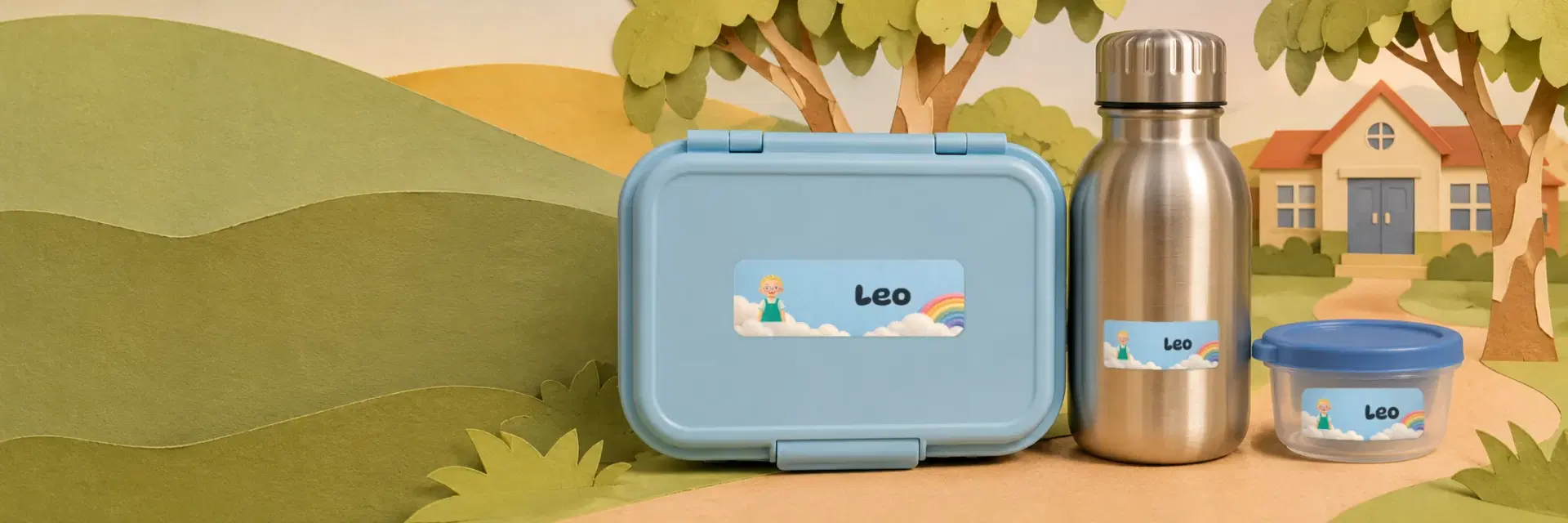
Type the name once, pick the design they love, and we print exactly what you see. One sheet covers the lunch box, drink bottle, pencils, books and shoes.
Type the name once in the box above the grid and each tile redraws with it. Until then the page runs on a sample name so the designs still read as finished labels. The name you enter stays on your own device, and nothing goes into the web address.
Picking a design opens Photo Name Labels with that tile selected and the name carried over. The upload sits on the product page: a JPEG, PNG, WebP or iPhone HEIC file up to 15 MB, which you then position and scale until the face is framed. A tick box confirms the image is yours to use and carries no logos or licensed characters. Files are kept private and used only for printing.
The design decides the colours and the artwork that sit around your child's picture, while the photo and the name are yours to supply. There is no extra little illustration to pick separately. Each tile is fitted with the same rule as the print file, so what you see is what we print, and an overlong name is scaled down or the page prompts for a shorter one.
Yes. The gallery sorts by illustration style, such as soft storybook, crayon doodle, paper cut, watercolour or retro, and by theme, such as space, dinosaurs, Aussie animals, under the sea, fairy and magic, diggers and trucks, pets or woodland. Quick view opens a larger preview. If your child's favourite is missing, get in touch and ask us for a design.
Type the name once in the box above the grid and each tile redraws with it. Until then the page runs on a sample name so the designs still read as finished labels. The name you enter stays on your own device, and nothing goes into the web address.
Picking a design opens Photo Name Labels with that tile selected and the name carried over. The upload sits on the product page: a JPEG, PNG, WebP or iPhone HEIC file up to 15 MB, which you then position and scale until the face is framed. A tick box confirms the image is yours to use and carries no logos or licensed characters. Files are kept private and used only for printing.
The design decides the colours and the artwork that sit around your child's picture, while the photo and the name are yours to supply. There is no extra little illustration to pick separately. Each tile is fitted with the same rule as the print file, so what you see is what we print, and an overlong name is scaled down or the page prompts for a shorter one.
Yes. The gallery sorts by illustration style, such as soft storybook, crayon doodle, paper cut, watercolour or retro, and by theme, such as space, dinosaurs, Aussie animals, under the sea, fairy and magic, diggers and trucks, pets or woodland. Quick view opens a larger preview. If your child's favourite is missing, get in touch and ask us for a design.